1
Siren / Strobe Sensor Manual
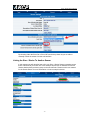
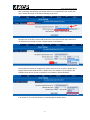
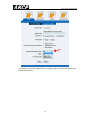
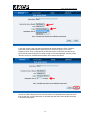
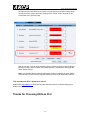
In the Normal Settings screen above you can re-name your Siren / Strobe and you can
also re-name the Descriptions when the sensor is On or Off.
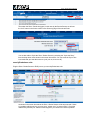
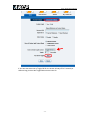
After clicking on the Advanced Settings tab you can enable the graph, enter the sensor
URL and Enable or Disable the Filter Status. (Please see the securityProbe 5ES/5ESV
user manual for these settings).
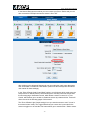
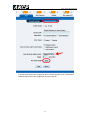
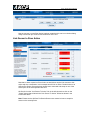
In the “Siren & Strobe Light Control Mode” setting, you will choose which mode type your
sensor will be in. Manual Control, which allows you to manually control the sensor from
the Summery page. Notification Control, which allows a sensor to control it, or Time
Control, which allows you to enable or disable the sensor by a date and time. These will
all be covered in the following pages of this manual.
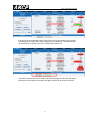
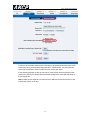
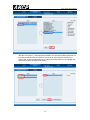
The “Siren & Strobe Light Control setting is how you want the sensor to act if it is set in
the manual control mode. The Toggle field allows you enter a time in seconds for the
sensor to toggle on or off and the Test button allows you to test the Siren / Strobe sensor.
-8-