1
Siren / Strobe Sensor Manual
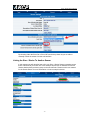
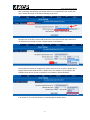
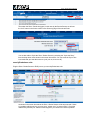
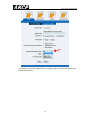
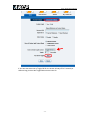
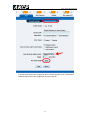
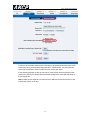
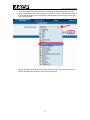
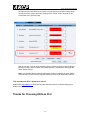
After the Link Sensor To Action Wizard is started in our first screen shown above we will
first select the Module that our sensor is connected to, then select the sensor in the
Sensor field. In this example again we are using the Smoke Sensor so we highlight this
sensor and click the Next button as shown.
- 18 -