1
Designing Labels
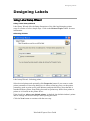
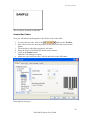
Selecting Bar Code Type
Settings for Advanced Bar Codes
EAN.UCC 128 Bar Code
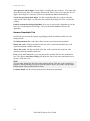
This bar code is combined from one or more input values and standard AID Application Identifiers. Each AID must be followed by the standard values. These
values can be fixed or variable.
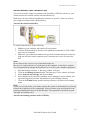
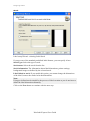
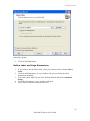
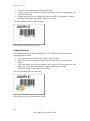
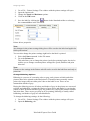
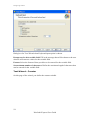
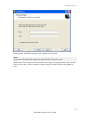
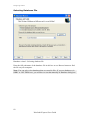
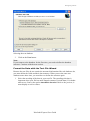
When the EAN.UCC 128 bar code is selected, the Bar code data field in the Bar code
Wizard dialog box is disabled. To define the contents of the bar code, click the Next
button.
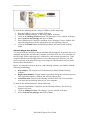
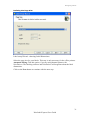
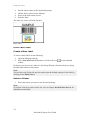
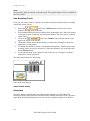
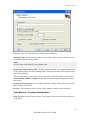
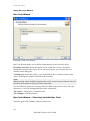
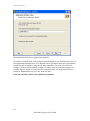
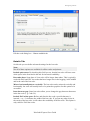
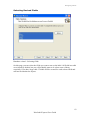
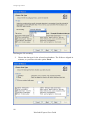
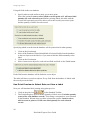
From the list of available Application Identifiers select the first identifier. It will be
written in bracket bellow the bar code.
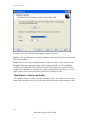
When the Application Identifier includes also check digits, you have to define
whether it will be calculated or entered together with data.
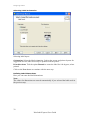
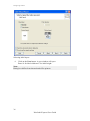
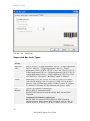
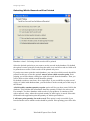
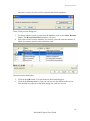
Next, define how you will set the values for the selected identifier. You may enter
fixed value or define variable value.
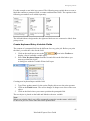
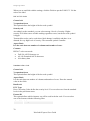
Fixed values
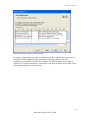
When values are fixed, the Wizard dialog box will inform you what is expected to be
entered – digits the maximum places...
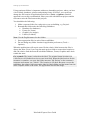
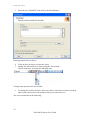
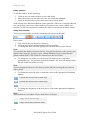
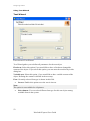
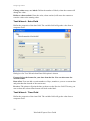
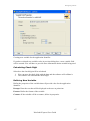
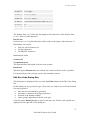
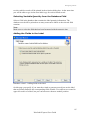
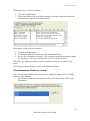
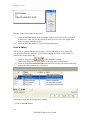
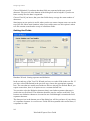
The defined AID is presented on the list of selected Application Identifiers. Click the
Add button to add a new AID or on the Delete to delete existing one.
Should you need to change the AID and the data, select the AID and click the Edit
button.
You can sort the listing of AID by using the Up and Down buttons.
All the settings can be previewed on the Preview field.
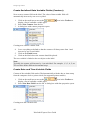
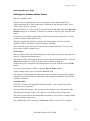
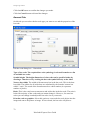
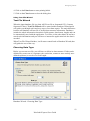
The separator among Application Identifier can be defined by entering the required
separator for the left and for the right side of the Application Identifier. The default
separator is bracket.
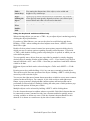
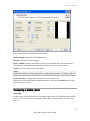
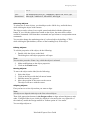
Variable values
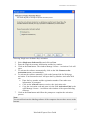
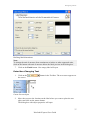
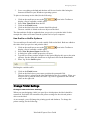
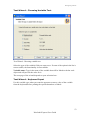
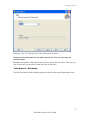
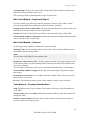
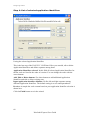
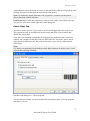
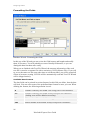
EAN.UCC 128 bar code supports keyboard variables – the variable data will be
entered from the keyboard.
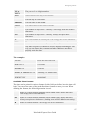
You can define the Prompt – the message for the operator, who will enter the data.
The data can be numeric only or the operator is allowed to enter all characters.
The value can be fixed or incremented/decremented on every label or certain number
of labels with the desired step.
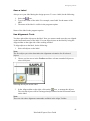
The variable data will be written in the Preview field as a series of "A" character.
69
NiceLabel Express User Guide