1
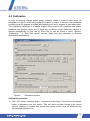
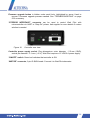
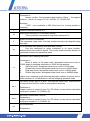
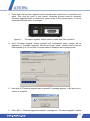
3. Press and hold firmware upgrade button located under small hole on controller’s front
panel. This must be done in one minute, otherwise process must be restarted.
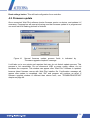
Firmware upgrade button is marked by yellow arrow in the picture below. It can be
accessed with teeth stick, for example.
Figure 27.
“Firmware upgrade” button location inside Watt Pilot controller.
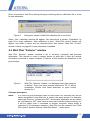
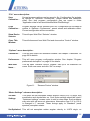
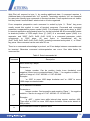
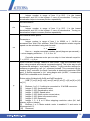
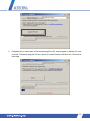
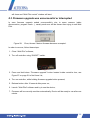
4. Hold “Firmware upgrade” button pressed until confirmation about release will be
displayed in “Firmware Upgrade” window as shown below. Usually button must be
held pressed up to 15 seconds. Process status is displayed above progress bar.
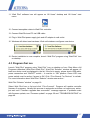
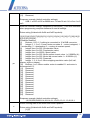
5. Now wait till “Firmware upgrade was successful!” message appears. It will take up to 1
minute to complete.
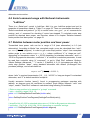
6. Click “OK” in “Firmware upgrade complete” message box. “Firmware Upgrade” window
51