1
IAD User’s Manual
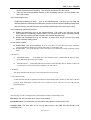
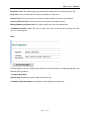
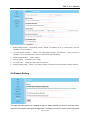
1. Radius billing Setting: Start billing software, Enable “Use Radius server Ip” check button, enter the
IP address of target computer
2. Use FXS Hotline Number:
Enable “Use FXS Hotline Number” check button, when you pick up
telephone receiver, the HotLine No will be send automatically immediately.
3. PSTN Dialout Number: Lifelive setting
4. Encrytp setting: association server setting
5. Use Time Limit: Setting the expire date of account No
6. Polarity billing setting: Enable “Use Polarity billing” check button will Start Polarity billing function
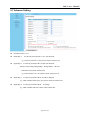
9.8 Reboot Setting
This page provides options for resetting the device. Select whether you wish to reset the device
and start executing the main (default) application, or whether you wish to reset the device and start
Page 21 of 25