1
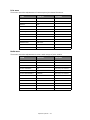
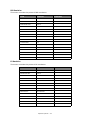
Maintenance menu
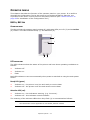
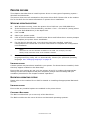
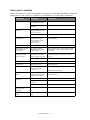
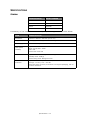
This menu provides access to various printer maintenance functions.
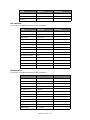
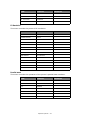
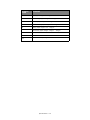
ITEM
DEFAULT
MENU RESET
EXECUTE
SAVE MENU
EXECUTE
POWER SAVE
ENABLE
PAPER BLACK SET
0
DARKNESS
0
SMR SETTING
0
BG SETTING
0
REMARKS
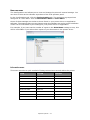
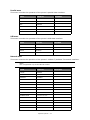
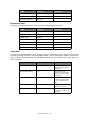
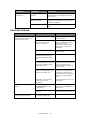
Usage menu
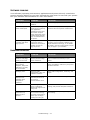
This menu is for information only, and provides an indication of total usage of the printer
and the expected life left in its consumable items. This is particularly useful if you do not
have a full set of replacement consumables to hand and you need to know how soon you
will need them.
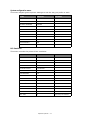
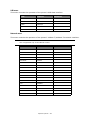
ITEM
DEFAULT
REMARKS
TRAY1 PAGE COUNT
nnnn
An indication of the
number of pages printed
from Tray1.
TRAY2 PAGE COUNT
nnnn
An indication of the
number of pages printed
from Tray2. (When Tray2
is installed.)
MPT PAGE COUNT
nnnn
An indication of the
number of pages printed
from the MPT.
DRUM LIFE
REMAINING%
An indication of the
remaining drum life.
TONER (n.nK)
REMAINING%
An indication of how
much toner is left in the
cartridge.
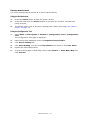
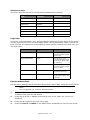
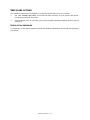
PRINTING MENU SETTINGS
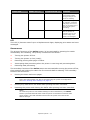
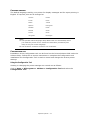
Current menu settings can be confirmed by printing a Menu Map, using the control panel.
NOTE
This is applicable only to B431d, B431dn models.
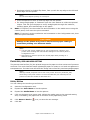
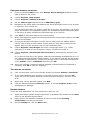
1.
Press the Menu UP arrow or DOWN arrow button until the INFORMATION MENU is
available, then press the OK button.
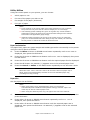
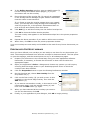
2.
Press the UP arrow or DOWN arrow button until PRINT MENU MAP EXECUTE is
displayed.
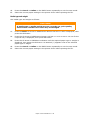
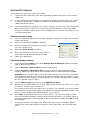
3.
Press the OK button to print the menu map.
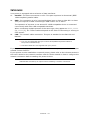
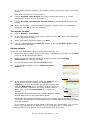
4.
Press the Cancel or Online or the BACK button repeatedly to exit the MENU mode.
Operator panels > 29