1
13.
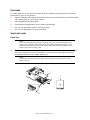
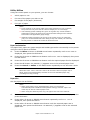
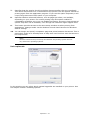
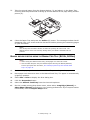
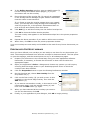
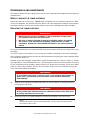
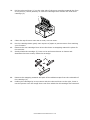
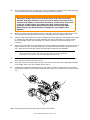
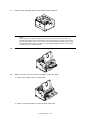
Close the top cover and press it down to latch it closed.
WHEN TO REPLACE THE IMAGE DRUM
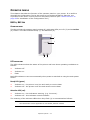
When the drum reaches 90% of its life, a REPLACE IMAGE DRUM message is displayed in
the operator panel LCD. Change the image drum when the print becomes faint or begins
to deteriorate.
REPLACING THE IMAGE DRUM.
WARNING
>
Never expose a image drum to an open flame. It can cause an
explosion and you can be burned.
>
Be sure to switch off and unplug the machine before accessing
the interior of a machine for cleaning, maintenance or fault
clearance. Access to a live machine’s interior can cause electric
shock.
NOTE
> It is recommended that you change the toner cartridge and clean the LED
array at the same time as you change the image drum.
> The B431dn model has been illustrated below. The principles are the same
for all the models of this printer.
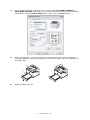
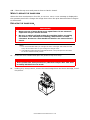
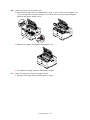
1.
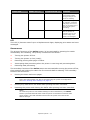
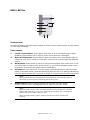
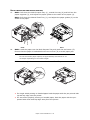
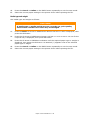
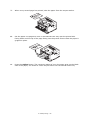
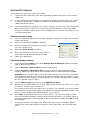
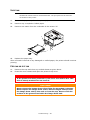
Press the cover release and open the printer’s top cover fully.
WARNING!
If the printer has been powered on, the fuser may be hot. This area
is clearly labelled. Do not touch.
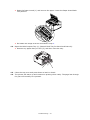
2.
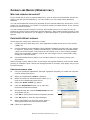
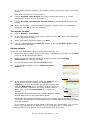
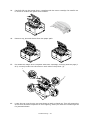
Holding it by its top centre, remove the used image drum and toner cartridge, out of
the printer.
Consumables and maintenance > 62