1
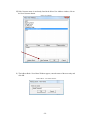
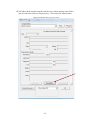
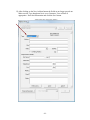
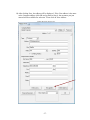
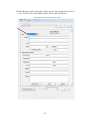
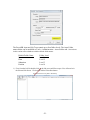
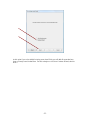
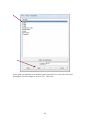
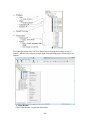
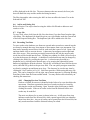
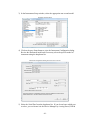
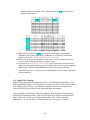
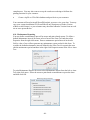
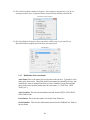
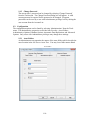
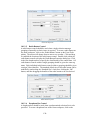
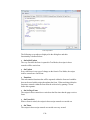
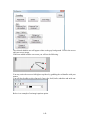
The following five tabs are displayed in the dialog box and their functionality
is defined below:
• On Initial Update
The very first time the form is opened the scripts in these controls will be
carried out.
• On Update
Every time there is any type of change on the form the scripts in these controls
are carried out.
• On Select
Every time a control with an On Select script is selected the respective scripts
are carried out.
• On Enter
On Enter scripts are automatically run when the form is initially loaded (for
the purpose of initializing dependent calculations) and also when controls that
contain these scripts are modified. Controls that have this property will carry
out the scripts when the respective field has data entered in to it.
• On Right Click
On Right Click scripts are run when the control is right clicked.
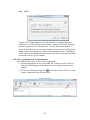
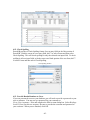
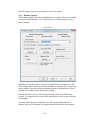
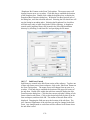
10.1.4.2 Forms Script Editor
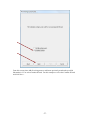
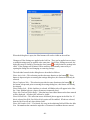
While in Design mode, the Script dialog box may be opened by going to the
Form Properties dialog box and clicking the ‘Script’ button or by going to the
File menu and selecting Properties. The purpose of the Forms Script Editor is
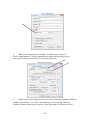
to write scripts and functions that are common throughout the form. The
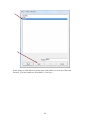
scripts can be copied and pasted when multiple controls are selected by
selecting Copy Scripts from a control’s right click menu. Then these scripts
can be pasted by Shift selecting the control in the bottom right corner and
selecting Paste Scripts from the right click menu.
-135-