1
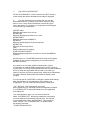
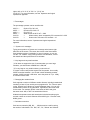
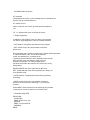
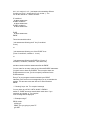
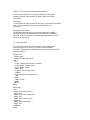
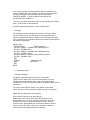
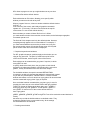
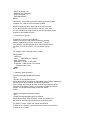
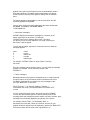
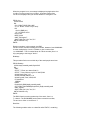
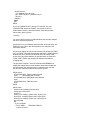
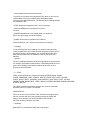
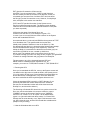
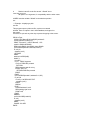
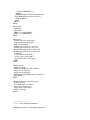
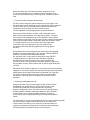
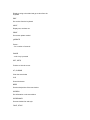
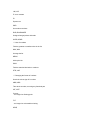
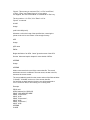
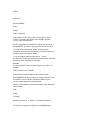
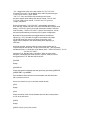
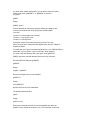
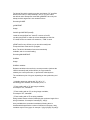
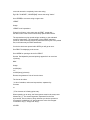
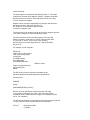
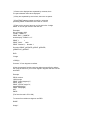
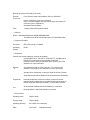
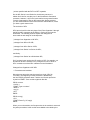
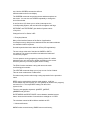
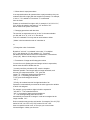
BEEP 2, 600 REM low beep
ENDIF
IF posY%=1 or posY%=scry% REM same for y
changeY%=-changeY%
BEEP 2, 200 REM high beep
ENDIF
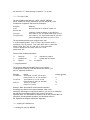
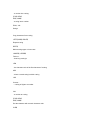
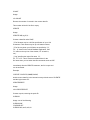
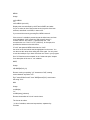
AT posX%,posY% :PRINT "0";
PAUSE 2 REM Try changing this
AT posX%,posY% :PRINT " ";
REM removes old `0' character
k%=KEY
UNTIL k%
ENDP
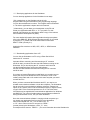
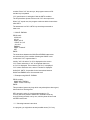
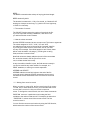
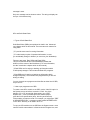
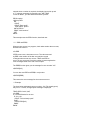
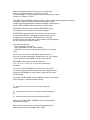
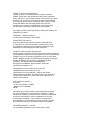
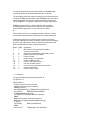
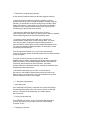
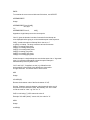
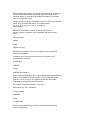
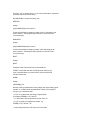
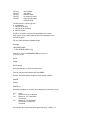
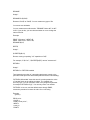
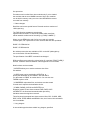
Circles
Here are two example programs for drawing circles the first
hollow, the second filled:
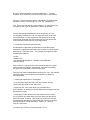
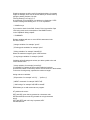
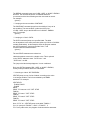
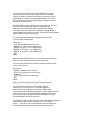
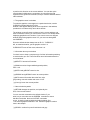
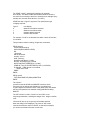
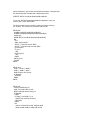
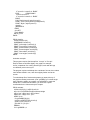
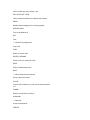
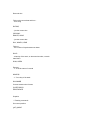
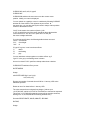
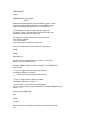
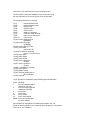
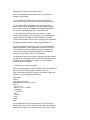
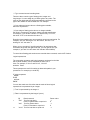
PROC circle:
LOCAL a%(963),c&,d%,x&,y&,r&,h,y%,y1%,c2%
dINIT "Draw a circle"
x&=120 :dLONG x&,"Centre x pos",0,239
y&=50 :dLONG y&,"Centre y pos",0,99
r&=20 :dLONG r&,"Radius",1,120
h=1 :dFLOAT h,"Relative height",0,999
IF DIALOG
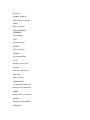
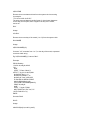
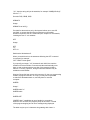
a%(1)=x&+r& :a%(2)=y& :a%(3)=4*r&
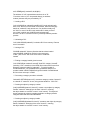
c&=1 :d%=2*r& :y1%=0
WHILE c&<=d%
c2%=c&*2 :y%=-SQR(r&*c2%-c&**2)*h
a%(2+c2%)=-2 :a%(3+c2%)=y%-y1%
y1%=y% :c&=c&+1
ENDWH
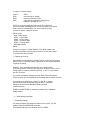
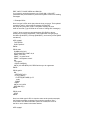
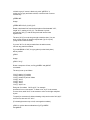
c&=1
WHILE c&<=d%
c2%=c&*2 :y%=SQR(r&*c2%-c&**2)*h
a%(2+a%(3)+c2%)=2 :a%(3+a%(3)+c2%)=y%-y1%
y1%=y% :c&=c&+1
ENDWH
gPOLY a%()
ENDIF
GET
ENDP
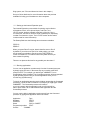
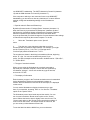
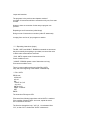
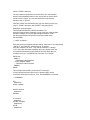
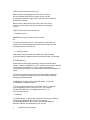
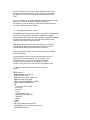
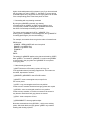
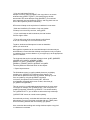
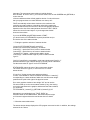
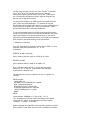
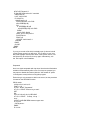
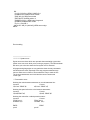
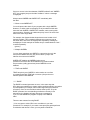
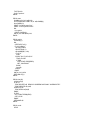
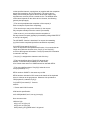
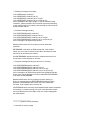
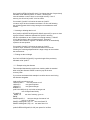
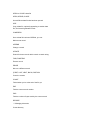
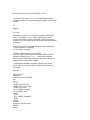
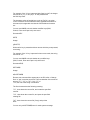
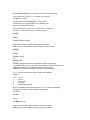
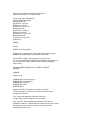
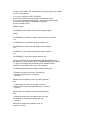
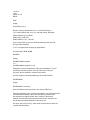
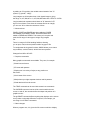
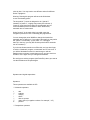
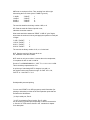
PROC circlef:
LOCAL c&,d%,x&,y&,r&,h,y%
dINIT "Draw a filled circle"
x&=120 :dLONG x&,"Centre x pos",0,239
y&=50 :dLONG y&,"Centre y pos",0,99
r&=20 :dLONG r&,"Radius",1,120
h=1 :dFLOAT h,"Relative height",0,999
IF DIALOG
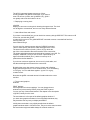
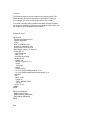
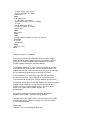
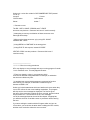
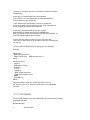
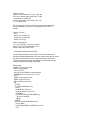
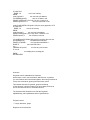
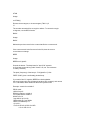
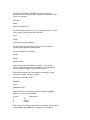
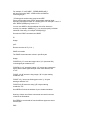
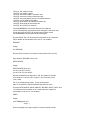
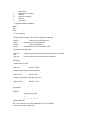
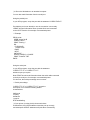
c&=1 :d%=2*r& :gAT x&-r&,y& :gLINEBY 0,0