1
and will continue waiting for a connection.
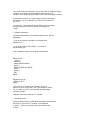
To abandon the transfer: Press Esc at any time during the transfer.
If you are receiving to the Workabout, the file being received
is not saved.
More detailed information about transferring files is beyond the scope
of this manual. Please refer to your modem or PC application manuals
for more information.
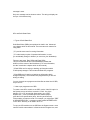
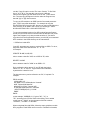
Creating and running programs
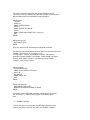
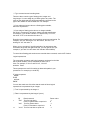
There are 3 stages to producing a program using OPL,
the Workabout programming language:
Type in the program, using the Program editor
described in `The built-in applications' chapter earlier in this manual.
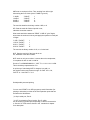
Translate the program. This makes a new version
of your program in a format which the Workabout can "run".
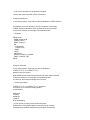
Run the program. If it does not work as you
had intended, re-edit it, then translate and run it again.
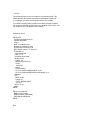
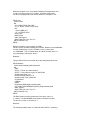
This chapter guides you through these stages with a
simple example. If you wish to follow the example, note that each
instruction for you to do something is numbered.
Note: The example programs in the next few chapters
do not include full error handling. This keeps the programs short
and easy to understand. But it means that when you run one of these
programs and, for example, fail to type in the kind of value which
the program asks for, the program may fail harmlessly stopping
before it completed. As you develop your own programs, you should
usually add some error handling code to them. A later chapter gives
a full explanation of error handling.
-----------------------------------************ Creating a new
module
As well as the word program, you'll often see the word module
used. The terms program and module are used almost interchangeably
to describe each OPL file you say "OPL module" like
you might say "word processor document".
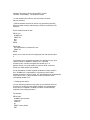
Create a new module and give it a name:





























































































![[ Team LiB ] In this new edition of the best selling title, the author](http://vs1.manualzilla.com/store/data/005787639_1-73d0050a51fd68261a86e8b5d7df46e8-150x150.png)