1
440BX
4.
AWARD BIOS SETUP
MAINBOARD
AWARD BIOS SETUP
4.1 GETTING STARTED
When the system is first time power on or reset by user, the BIOS will enter the Power
On Self Test routines ( POST, which will display a copyright message on the screen
and execute a diagnostics and initialization procedure.) In case that there is any error or
malfunction detected, the BIOS will give a series of beeping sound or display the error
message on screen.
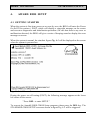
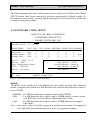
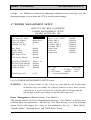
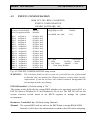
When the system is normal, the simulate figure Fig. 4-1 will be displayed on the screen
when the system is powered on.
Fig. 4-1 Initial Power-On screen.
During the power on self testing (POST), the following message appears at the lower
left corner of the screen:
" Press DEL to enter SETUP "
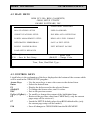
To execute the Award® BIOS CMOS Setup program, please press the DEL key. The
STANDARD CMOS SETUP screen as shown in figure Fig. 4-2 will be triggered:
4-1