1
Compilation Systems Volume 1 (Tools)
Changing the Value of a Variable
9
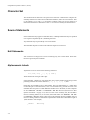
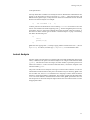
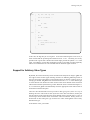
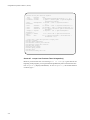
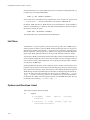
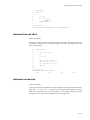
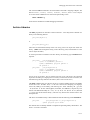
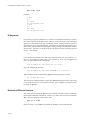
The value of cscope as a browser becomes apparent when you want to see how a
proposed change will affect your code. If you want to change the value of a variable or
preprocessor symbol, use the first menu item, Find this C symbol, to obtain a list of
references that will be affected. Then use the editor to examine each one. This will help
you predict the overall effects of your proposed change. You can also use this menu to verify that your changes have been made.
Technical Tips
9
This section describes certain problems that may arise when you use cscope and how to
avoid them.
Unknown Terminal Type
9
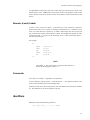
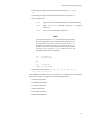
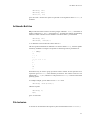
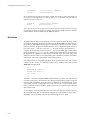
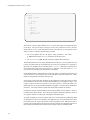
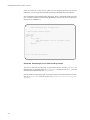
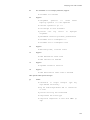
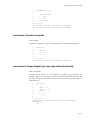
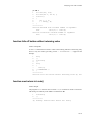
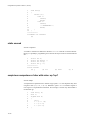
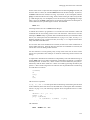
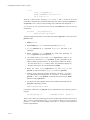
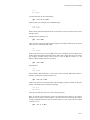
You may see the error message
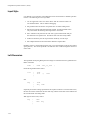
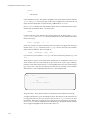
Sorry, I don't know anything about your "term" terminal
If this message appears, your terminal may not be listed in the Terminal Information
Utilities (terminfo) database that is currently loaded. Make sure you have assigned the
correct value to TERM. If the message reappears, try reloading the Terminal Information
Utilities.
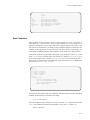
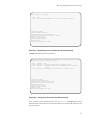
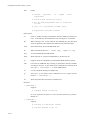
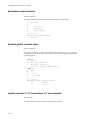
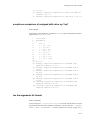
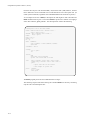
You may also see
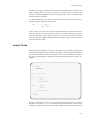
Sorry, I need to know a more specific terminal type
than "unknown"
If this message appears, set and export the TERM as described in “Step 1: Set Up the Environment” on page 9-2.
Command Line Syntax for Editors
9
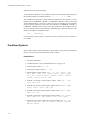
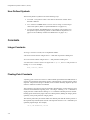
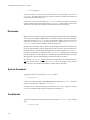
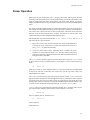
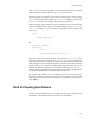
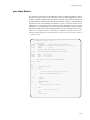
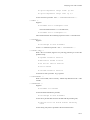
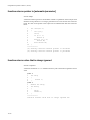
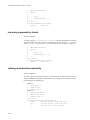
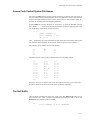
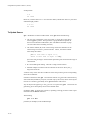
cscope invokes the vi editor by default. You may override the default setting by
assigning your preferred editor to the EDITOR environment variable and exporting
EDITOR, as described in the section “Step 1: Set Up the Environment” on page 9-2. Note,
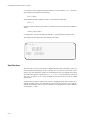
however, that cscope expects the editor it uses to have a command line syntax of the
form
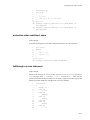
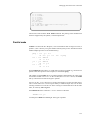
editor +linenum filename
as does vi. If the editor you want to use does not have this command line syntax, you
must write an interface between cscope and the editor.
9-18