1
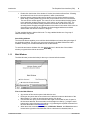
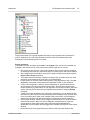
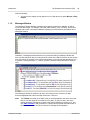
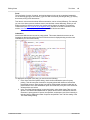
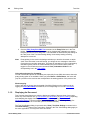
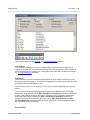
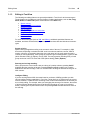
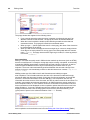
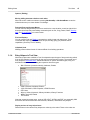
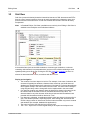
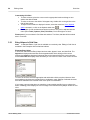
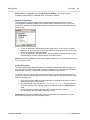
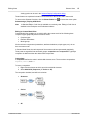
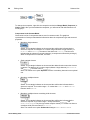
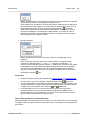
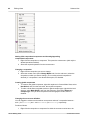
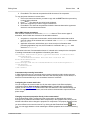
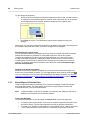
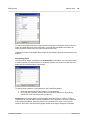
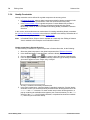
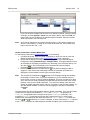
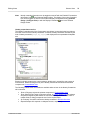
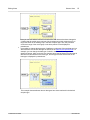
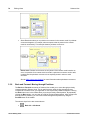
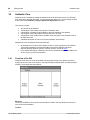
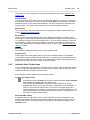
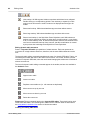
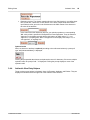
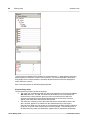
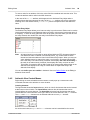
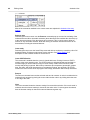
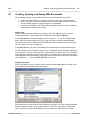
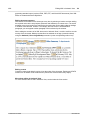
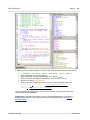
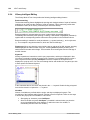
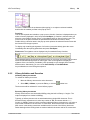
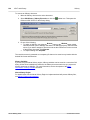
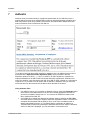
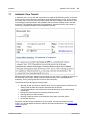
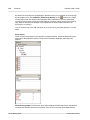
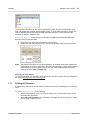
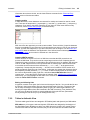
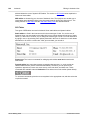
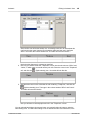
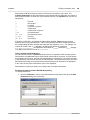
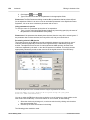
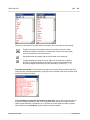
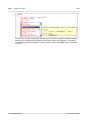
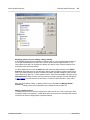
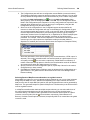
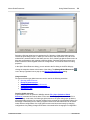
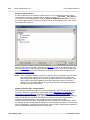
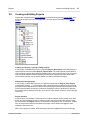
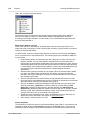
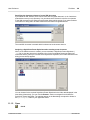
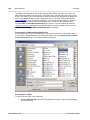
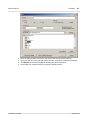
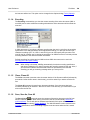
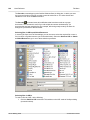
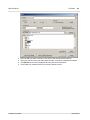
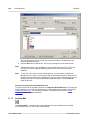
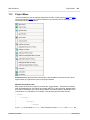
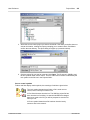
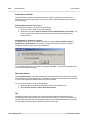
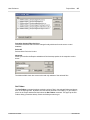
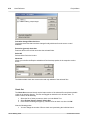
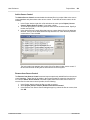
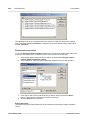
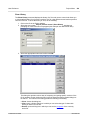
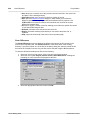
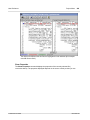
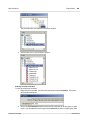
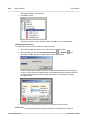
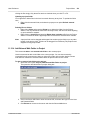
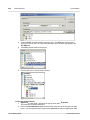
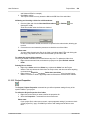
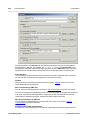
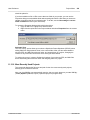
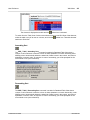
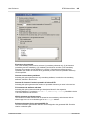
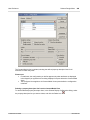
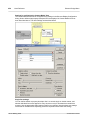
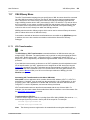
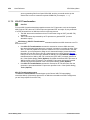
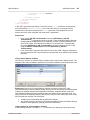
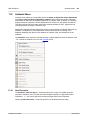
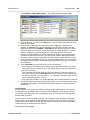
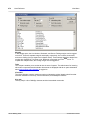
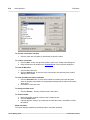
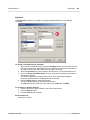
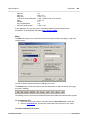
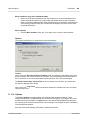
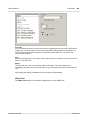
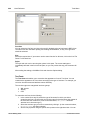
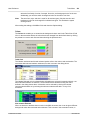
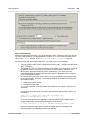
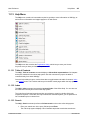
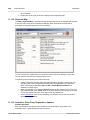
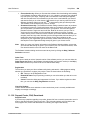
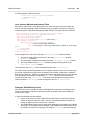
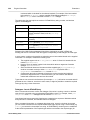
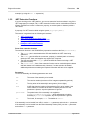
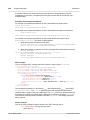
Authentic Authentic View Tutorial 131 Note that the entry helper is context-sensitive; its content changes according to the location of the cursor or selection. The content of the entry helper can be changed in one other way: when another node is selected in the XML tree of the Elements entry helper, the elements relevant to that node are displayed in the entry helper. The Elements entry helper can be expanded to show the XML tree by checking the Show XML Tree check box at the top of the entry helper ( see screenshot above). The XML tree shows the hierarchy of nodes from the top-level element node all the way down to the node selected in the Main Window. Attributes entry helper: The Attributes entry helper displays the attributes of the element selected in the Main Window, and the values of these attributes. Attribute values can be entered or edited in the Attributes entry helper. Element nodes from the top-level element down to the selected element are available for selection in the combo box of the Atributes entry helper. Selecting an element from the dropdown list oft he combo box causes that element's attributes to be displayed in the entry helper, where they can then be edited. Entities entry helper: The Entities entry helper is not context-sensitive, and displays all the entities declared for the document. Double-clicking an entity inserts it at the cursor location. How to add entities for a document is described in the section Authentic View Interface. Context menu Right-clicking at a location in the Authentic View document pops up a context menu relevant to that (node) location. The context menu provides commands that enable you to: Note: 7.1.3 Insert nodes at that location or before or after the selected node. Submenus display lists of nodes that are allowed at the respective insert locations. Remove the selected node (if this allowed by the schema) or any removable ancestor element. The nodes that may be removed (according to the schema) are listed in a submenu. Insert entities and CDATA sections. The entities declared for the document are listed in a submenu. CDATA sections can only be inserted withn text. Cut, copy, paste, and delete document content. For more details about the interface, see Authentic View Interface Node Operations There are two major types of nodes you will encounter in an Authentic View XML document: element nodes and attribute nodes. These nodes are marked up with tags, which you can switch on. There are also other nodes in the document, such as text nodes (which are not marked up) and CDATA section nodes (which are marked up, in order to delimit them from surrounding text). The node operations described in this section refer only to element nodes and attribute nodes. When trying out the operations described in this section, it is best to have large markup switched on. Note: It is important to remember that only same- or higher-level elements can be inserted before or after the selected element. Same-level elements are siblings. Siblings of a paragraph element would be other paragraph elements, but could also be lists, a table, an image, etc. Siblings could occur before or after an element. Higher-level elements are ancestor elements and siblings of ancestors. For a paragraph element, ancestor elements could be a section, chapter, article, etc. A paragraph in a valid XML file would already have ancestors. Therefore, adding a higher-level element in Authentic View, creates the new element as a sibling of the relevant ancestor. For example, if a section © 2009 Altova GmbH User Manual