1
Connecting to a non-high-definition 16:9 (Wide) or 4:3 TV
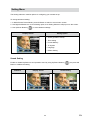
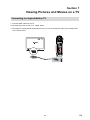
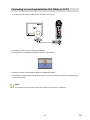
1.Connect one end of the AV cable to your Camera’s AV Out port.
2.Connect the other end of the cable to a television.
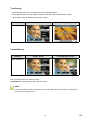
3.The option menu of Earphone/TV pops out on the LCD Screen.
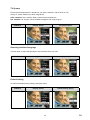
4.Choose TV option and press Enter Button to validate the setting.
5.The steps for viewing stored pictures and movie on a TV are exactly the same as for viewing them
on the LCD monitor.
Note
The LCD Panel does not work when the Camera is connected to a television.
53
EN