1
SISTEMAS
MEMOKEY 100C
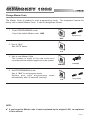
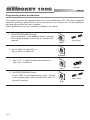
Change Master Code
The Master Code is needed to enter programming mode. The equipment leaves the
factory with a default Master Code. It can be changed as follows.
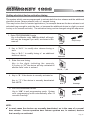
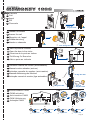
1. Enter PROGRAMMING mode
Key in the default Master code, 1480
beep-beep
1480
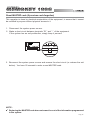
2. Key in “A 0 “
See NOTE below
A0
3. Key in new Master Code
The number of digits in the new code must
coincide with the number length set in the system.
MMMM
beeeep
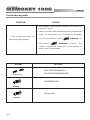
4. Exit PROGRAMMING mode
Key in “AA” to exit program mode.
System also exits programming
automatically after 20 seconds inactivity.
mode
AA
beep-beep
NOTE:
9 If you forget the Master code, it can be replaced by the original 1480, as explained
in this manual.
Pag 9