1
CHAPTER 6 Digitizing Radiographs
59
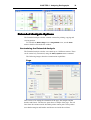
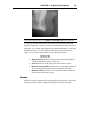
direction and could easily be located automatically if the computer had
information about the outline of the symphysis. Snakes are a solution to this
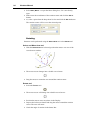
problem. They are outlines that can be adjusted by the user to fit an anatomic
structure. Once fitted to the symphysis, a snake can be used to automatically
locate all points that belong to the symphysis. This increases speed and
reduces the subjectivity involved in identifying such points.
Creating a New Radiograph
Note: If you have selected the Load Image from File option, you must have
scanned the radiograph and saved it as a bitmap file before creating a new
radiograph. If you have selected the TWAIN option, your scanner must be turned on
and properly connected. If you have elected to use a digitizer, the digitizer must be
turned on and properly connected to the computer before proceeding.
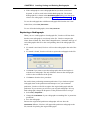
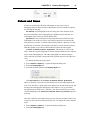
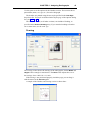
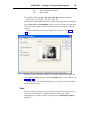
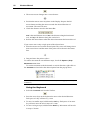
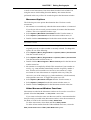
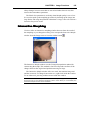
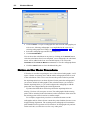
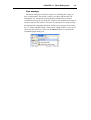
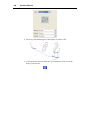
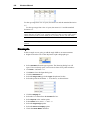
To enter a new radiograph, select File | New... or click the New button on the
Toolbar:
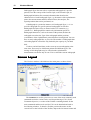
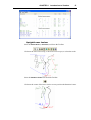
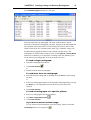
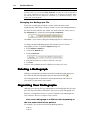
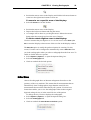
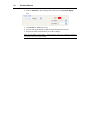
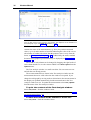
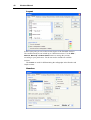
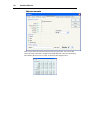
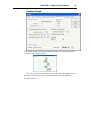
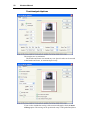
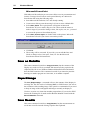
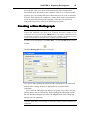
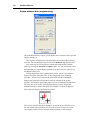
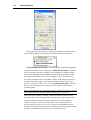
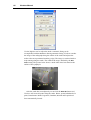
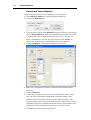
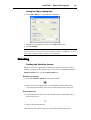
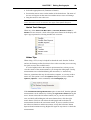
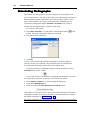
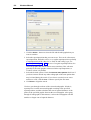
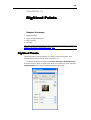
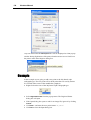
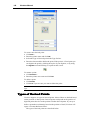
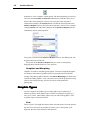
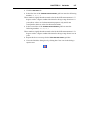
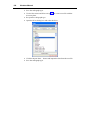
The New Radiograph dialog box will open:
The various data regarding the patient and the radiograph are pre-filled with
default values. Change the data as appropriate for your patient and
radiograph.
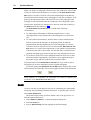
First, select the radiograph type that you are going to use. Then, enter the
patient's name, date of birth and sex. Data regarding the radiograph include
the date that the radiograph was taken, the magnification of the radiograph
and any relevant comments.
Notes: Dates should be entered as defined by the International Settings of your
computer. Valid dates must be entered, otherwise Viewbox cannot accept the new
radiograph.