1
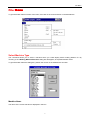
File Menu
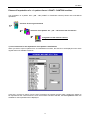
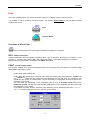
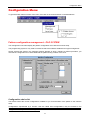
Save (Save Pattern)
The Save command should be used when the pattern is open and you want to save the changes you have
made to it.
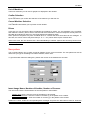
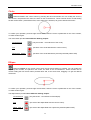
There is a new command in the Save function which is activated only when the current pattern includes
special colours.
The command enables association of a weft to special colours (.PAT patterns, variable patterns).
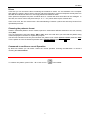
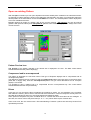
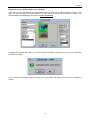
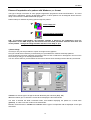
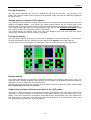
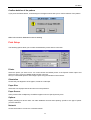
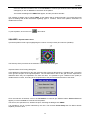
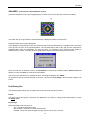
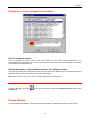
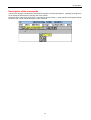
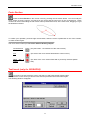
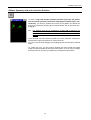
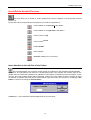
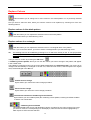
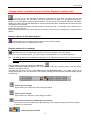
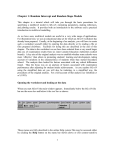
If the pattern contains special colours when you wish to save, the following dialog box will appear where you
choose whether to save the pattern only or to save the pattern associating it to some weft.
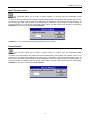
This window is only displayed when you want to save with
colours.
associate the pattern containing special
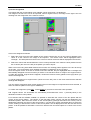
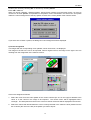
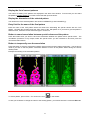
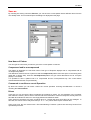
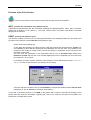
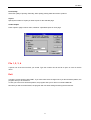
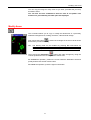
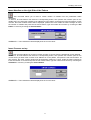
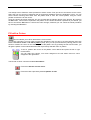
List of special colours to associate with the patterns
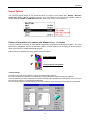
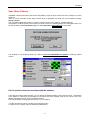
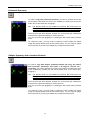
In this part of the association window, you can assign the desired pattern to each special colour. Assignation
of the pattern is carried out by pressing the left mouse key twice (double click) on the name of the .PAT
pattern displayed in the list of the association window.
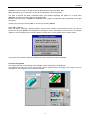
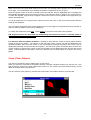
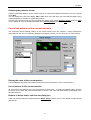
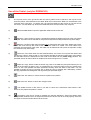
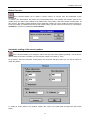
Proceed as follows to assign special colours to a .PAT pattern:
1° select the special colour by clicking on the desired colour.
2° select the .PAT pattern from the list as described above.
21