1
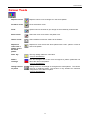
Geometric Tools
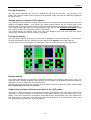
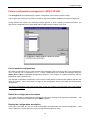
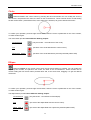
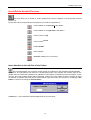
Dot
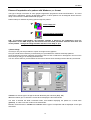
Draws a dot in the current colour when the left or right mouse button is pressed. If you hold it pressed
down, you will operate as if free-hand drawing.
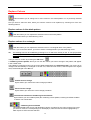
To do so, position the cursor on the pattern colour desired and press the left or right
mouse button.
You can select two colours, one colour assigned to the left button and one colour
assigned to the right button..
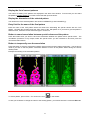
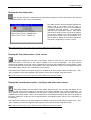
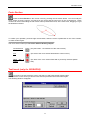
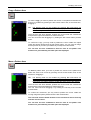
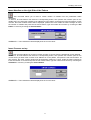
Line
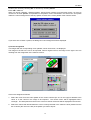
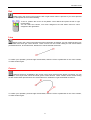
Draws a line in the current colour when the left mouse button is pressed. You can modify the line by its
ends, which have both got control devices. These controls can be moved holding the left mouse button
pressed down and , at the same time, dragging it to get the desired movement.
To confirm your operation, press the right mouse button, when the cursor is positioned on one of the controls,
or create another figure.
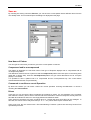
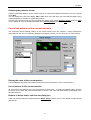
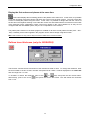
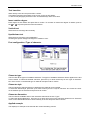
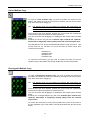
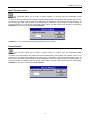
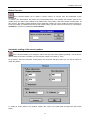
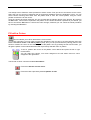
Curves
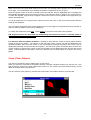
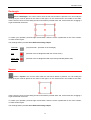
Draws a sequence of Curves in the current colour when the left mouse button is pressed. You can
modify the curve by its ends, which have both got two control devices. These controls can be moved holding
the left mouse button pressed down and, at the same time, dragging it to get the desired movement.
To confirm your operation, press the right mouse button, when the cursor is positioned on one of the controls,
or create another figure.
51