1
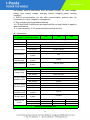
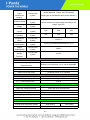
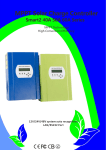
Controller PC upper software and testing software can display information. Users can set parameters via PC upper software. Graphical: PC upper software Graphical: testing software 1.1 The first picture show solar controller working status(charge and discharge), PV voltage, charge voltage, charge current etc. Users can choose the type of the batteries, DC-load output control method. 1.2 We provide PC upper software. Testing software is not including. (user’s PC has software development platform, if needed, please apply for it) 2. Information display and parameter setting. Figure 2.1 Figure 2.2 2.1 ENTER1 button: press left ENTER1 show 2 digital battery voltage(if it is charging, then shows 2 digital charge voltage), for example,the battery voltage or charge voltage is 13.5V, it shows13,please see Figure 2.1;Press ENTER1 a little bit longer, users can set battery types. 2.2 ENTER2 button: press right ENTER2 show 2 digital battery current (if it is not charging, then it display 00, if the charge current is 22.5A, then it shows 22,please see Figure 2.2); press ENTER2 button a little bit longer, DC load control can be set (On mode, Off mode, PV voltage control mode) Please see more details in the user manual. Other detailed parameters Please see the outline of the design, technical documents, user manuals etc. Research and development department made 2th version on May 5, 2014. 6th