1
FIREHOUSE USER MANUAL
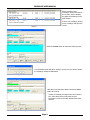
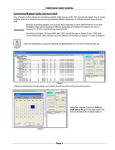
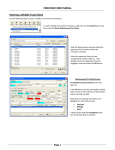
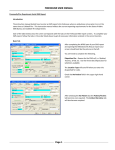
Before creating a new
exchange, check in the bottom
box to see if there is already
an approved exchange for the
staff member.
If there is an exchange, double
on the exchange and open the
record.
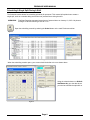
Figure 4
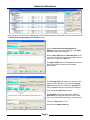
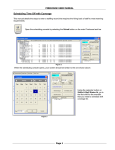
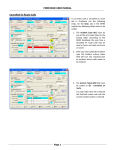
Select the Delete button to delete the existing record.
Figure 5
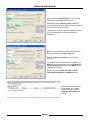
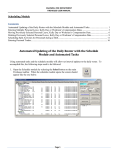
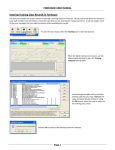
A confirmation screen will open, asking if you are sure you want to delete
the exchange. Select the Yes button.
Figure 6
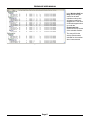
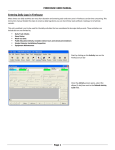
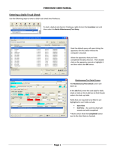
After the record has been deleted, select the Close
button to continue.
If there are multiple exchanges listed in the bottom
box, follow the previous three steps until all
exchange records for the staff member have been
deleted.
Figure 7
Page 2