1
FIREHOUSE USER MANUAL
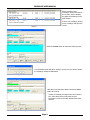
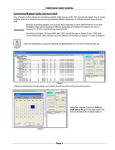
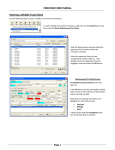
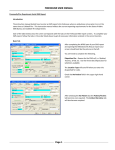
Figure 8
Once you are on the correct date, highlight the members name and double clicking with the left mouse button open
the Shift Personnel Reassignment or Addition screen.
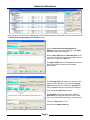
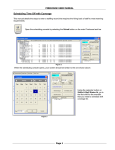
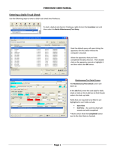
Once the Shift Personnel Reassignment or
Addition screen opens there are fields on the Basic
tab that will need to be completed.
Note the Start Date/Time and End Date/Time are for
a 24 hour time period. This will be changed in the next
step as you complete the Basic tab.
The Approved By field will be disabled at this time but
later in the process will open and be updated
automatically.
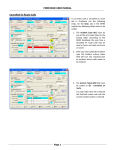
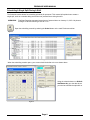
Figure 9
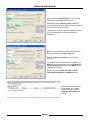
The Covering Staff field needs to be entered; in this
case the staff ID will be the same as the Assigned
Staff When the staff ID is entered the Assigned tab
will be disabled and does not need to be completed.
Next, change the Start Time to 10:00.
The End Date needs to be changed to match the
Start Date as the requested time off is on the same
day; in our scenario the date needs to be 01/10/2013.
Change the End Time to 17:00.
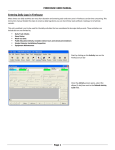
Next select the Replacement tab.
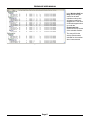
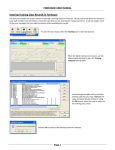
Figure 10
Page 3