1
3
3.5.3
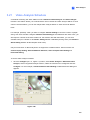
Video Analysis
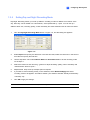
Searching Object Index
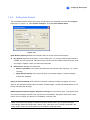
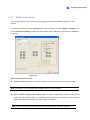
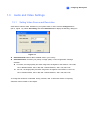
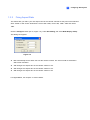
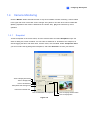
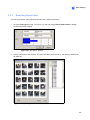
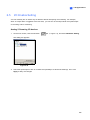
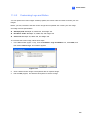
You can locate frames within selected cameras and a specific time frame.
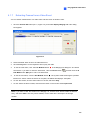
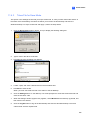
1.
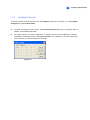
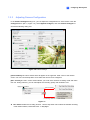
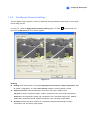
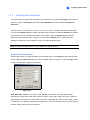
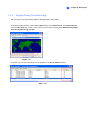
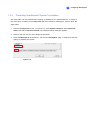
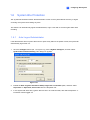
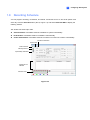
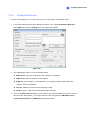
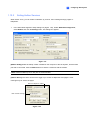
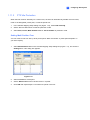
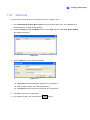
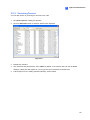
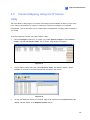
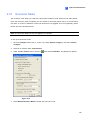
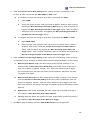
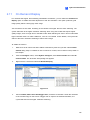
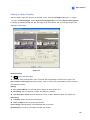
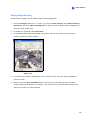
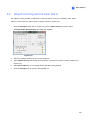
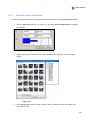
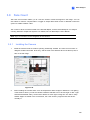
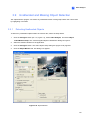
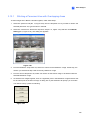
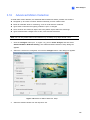
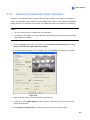
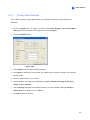
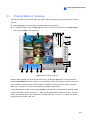
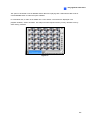
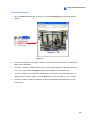
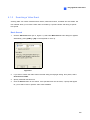
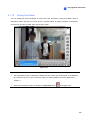
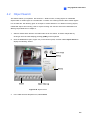
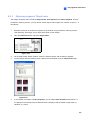
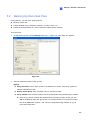
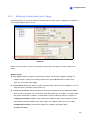
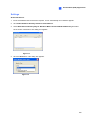
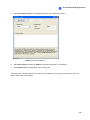
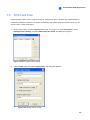
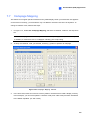
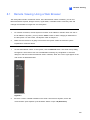
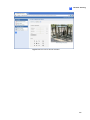
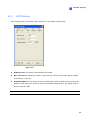
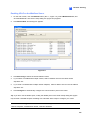
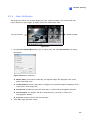
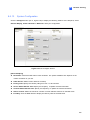
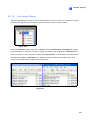
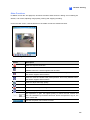
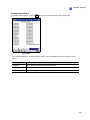
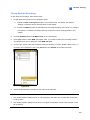
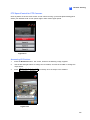
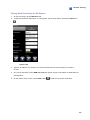
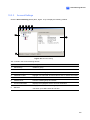
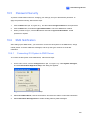
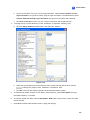
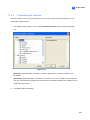
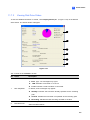
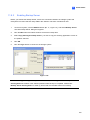
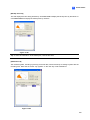
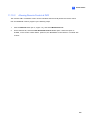
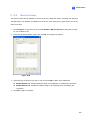
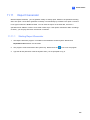
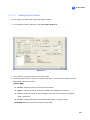
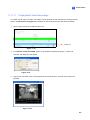
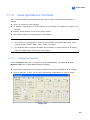
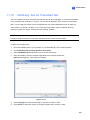
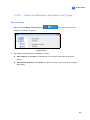
Click the ViewLog button (No. 13, Figure 1-2), and then select Search Object Index to display
the following search window.
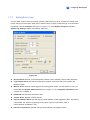
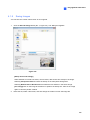
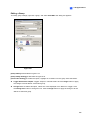
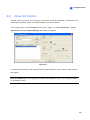
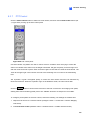
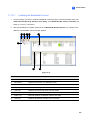
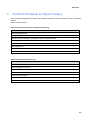
Figure 3-23 The Search Window
2.
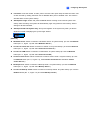
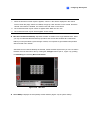
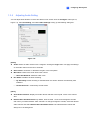
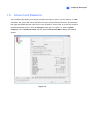
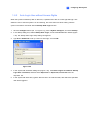
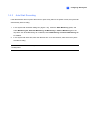
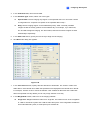
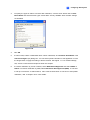
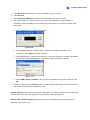
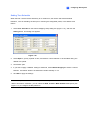
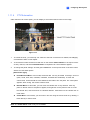
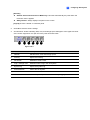
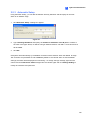
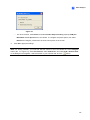
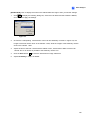
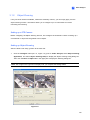
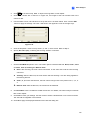
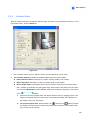
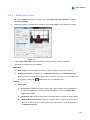
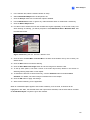
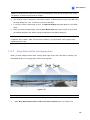
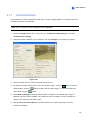
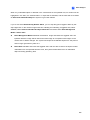
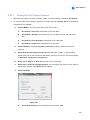
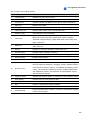
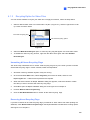
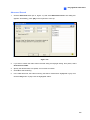
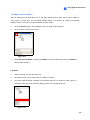
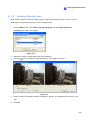
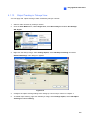
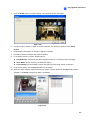
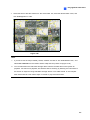
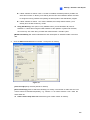
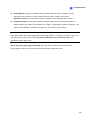
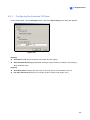
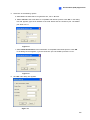
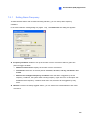
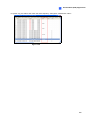
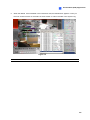
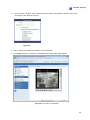
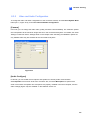
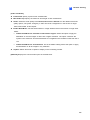
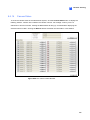
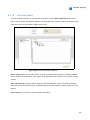
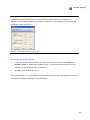
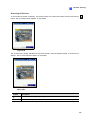
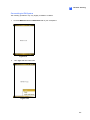
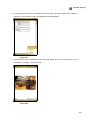
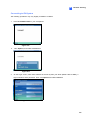
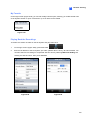
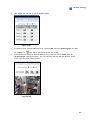
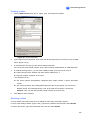
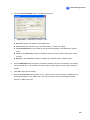
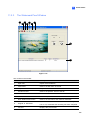
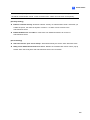
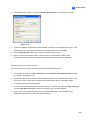
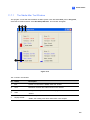
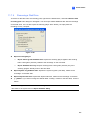
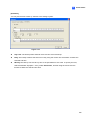
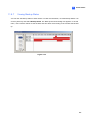
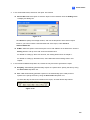
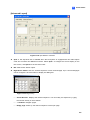
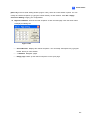
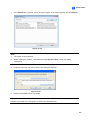
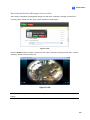
Specify a time frame and cameras, and then click OK to start searching. The following window will
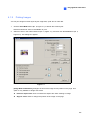
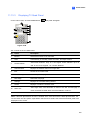
be called up.
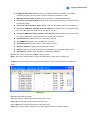
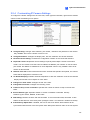
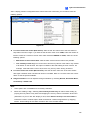
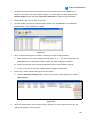
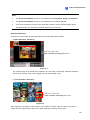
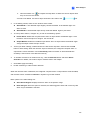
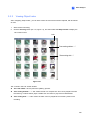
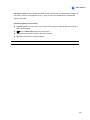
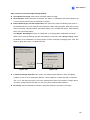
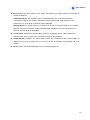
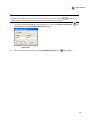
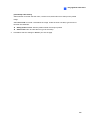
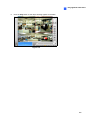
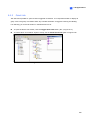
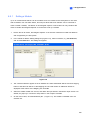
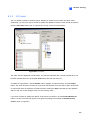
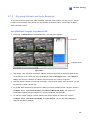
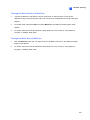
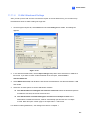
Figure 3-24 The Moving Object List Window (left) and the Record List (right)
161