1
11
11.8.4
Useful Utilities
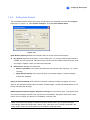
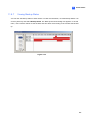
Manually Adding Files for Backup
Once connected, the files from the GV-System will automatically be backed up to the storage system.
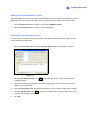
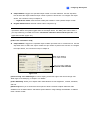
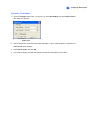
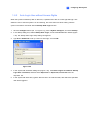
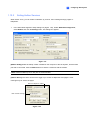
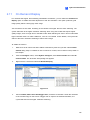
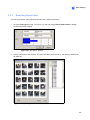
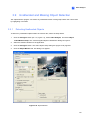
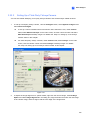
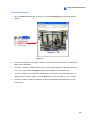
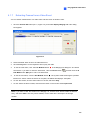
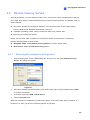
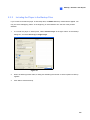
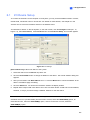
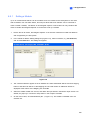
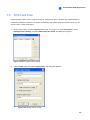
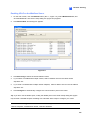
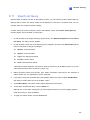
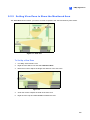
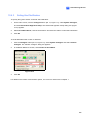
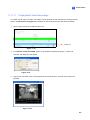
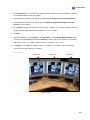
To manually select the files for backup:
1.
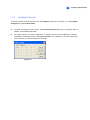
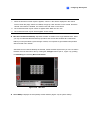
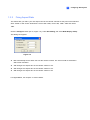
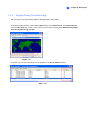
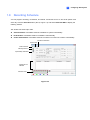
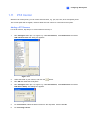
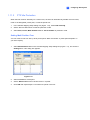
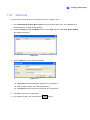
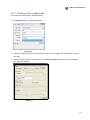
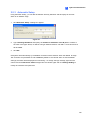
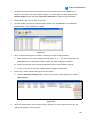
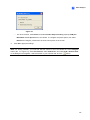
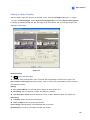
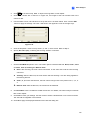
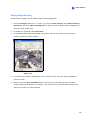
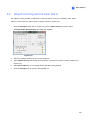
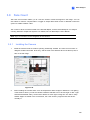
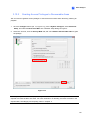
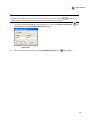
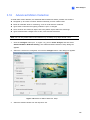
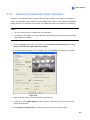
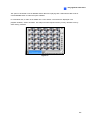
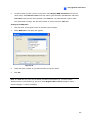
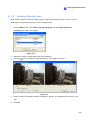
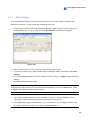
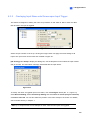
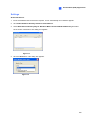
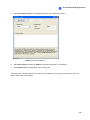
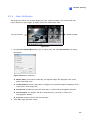
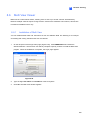
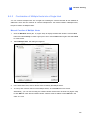
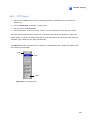
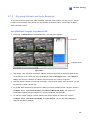
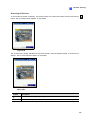
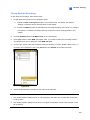
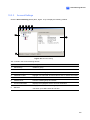
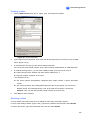
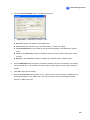
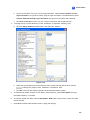
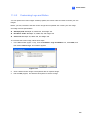
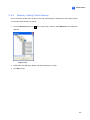
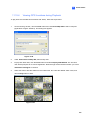
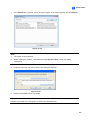
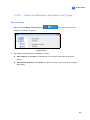
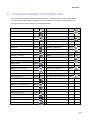
Click the Backup Server icon
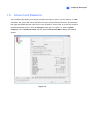
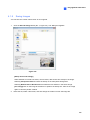
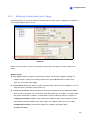
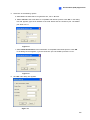
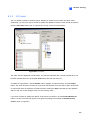
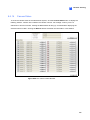
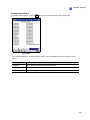
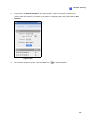
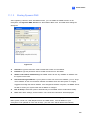
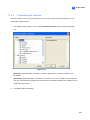
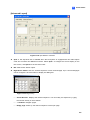
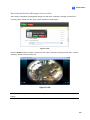
on the system tray, and then select Add Files. This dialog box
appears.
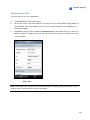
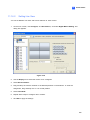
Figure 11-53
2.
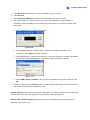
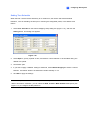
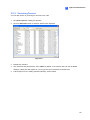
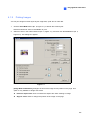
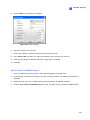
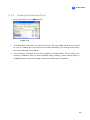
Expand the hard disk drive folders and select the files for backup.
3.
Click OK to start.
577