1
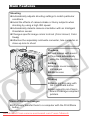
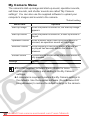
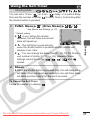
My Camera Menu
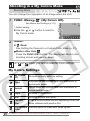
The camera's start-up image and start-up sound, operation sounds,
self-timer sounds, and shutter sounds are called “My Camera
settings”. You can also use the supplied software to upload your
computer’s images and sounds to the camera.
*Default setting
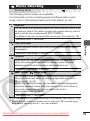
Menu Item
Options
Start-up Image
When the power is turned on, the start-up image
appears.
Start-up Sound
When the power is turned on, a start-up sound is
played.
Operation Sound
When a button other than the shutter button is
pressed, an operation sound will be played.
Selftimer Sound
While shooting in self-timer mode, a sound will
be played two seconds before the shutter
releases.
Shutter Sound
A sound will be played when the shutter button is
fully pressed.
Settings
On*/Off
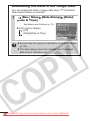
z See the supplied Software Starter Guide for more
information on creating and adding to the My Camera
settings.
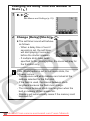
z A computer is required to restore the My Camera settings to
the defaults. Use the supplied software (ZoomBrowser EX/
ImageBrowser) to restore the default settings to the camera.
Downloaded
From camera-usermanual.com Canon Manuals
28