1
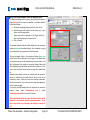
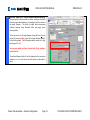
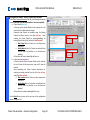
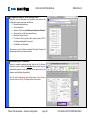
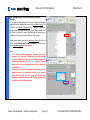
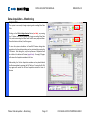
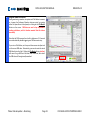
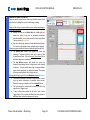
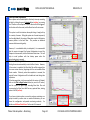
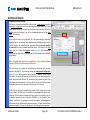
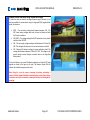
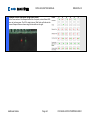
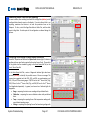
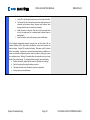
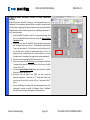
DATA ACQUISITION MANUAL 12 REVISION 4.0 Turn on the Sensors The next step is to activate the SmartPile® Sensor Packs by moving the slider switch from Radio Test to Gage Data (red box). The saw wave Test Pattern will transition to internal sensor readings. An SP_401 configuration will display 4 active traces, while an SP_601 configuration will display 6. At this time, the system is acting as a virtual Oscilloscope (with wireless probes), displaying sensor data received from within the SmartPile® core. When the sensors are initially activated after an extended period of dormancy, the data channels will settle into static position after about one minute of operation. The strain channels (red, blue, and grey traces) will settle in more quickly than the accelerometer channels (black, green, and purple traces). The latter channels will also experience an ocean wave effect before settling from the top down into zero. It is extremely important to note the way in which the sensors come into position. After one minute of operation, all data channels should be flat straight lines. In this mode of operation, the Dataport is continuously streaming 1600 data samples per active channel into the SmartPile® application software. If this is not the case, please consult Troubleshooting Item I and/or Item J at the end of this manual. Notes: It is highly recommended that all steps up to and including this step are completed with the pile horizontal on the ground to provide access. Any potential corrective actions required subsequent to this point become very difficult once the pile is in the upright position. If the Dataport Radio Link Timeout indicator (blue box) lights up when the slider switch is moved from Radio Test to Gage Data, move the slider back to Radio Test. If the system recovers, there is most likely a problem with battery power. For additional information please refer to Troubleshooting Item H and/or Additional Details Item E at the end of this manual. Phase: Data Acquisition – Session Configuration Page 21 FOR EVALUATION PURPOSES ONLY