1
Using your notebook
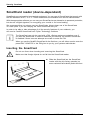
Inserting a card
ExpressCard
PCcard
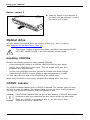
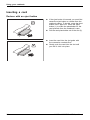
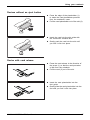
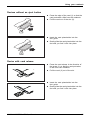
Devices with an eject button
► If the eject button is lowered, you must first
cause the eject button to release from the
notebook casing. To do this, press the eject
button until it pops out. Press the eject
button (1) to make the placeholder for the
card protrude from the notebook’s case.
► Pull the card placeholder out of the slot (2).
1
2
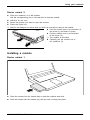
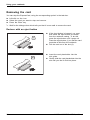
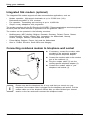
► Insert the card into the slot guide with
the connection contacts first.
► Gently push the card into the slot until
you feel it click into place.
2
26
A26391-K200-Z226-1-7619, edition 1