1
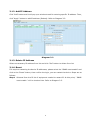
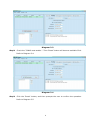
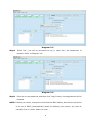
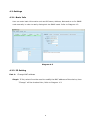
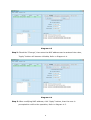
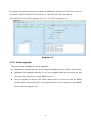
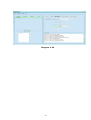
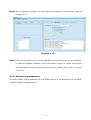
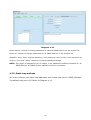
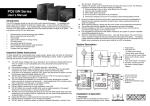
3.1.2. Add IP Address Click “Add” button and it will pop up a window to ask for entering specific IP address. Then, click “Apply” button to add IP address (Subnet). Refer to Diagram 32. Diagram 32 3.1.3. Delete IP Address Select unnecessary IP address from list and click “Del” button to delete from list. 3.1.4. Reset If it requires restarting the device IP addresses, please select the "SNMP reset enable" and click on the "Reset" button, then confirm the login, you can restart the device. Steps are as follows: Step1: Selected from the IP list of equipment needed to restart IP. At this point, " SNMP reset enable " will be checked into. Refer to Diagram 33. 4