1
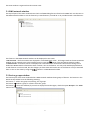
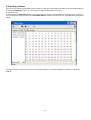
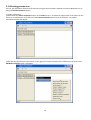
The Search menu shows following items:
Automatic search – if the option is checked, the automatic search of fixtures runs after starting the
program and the search procedure repeats every 15 seconds to add new fixtures to the list.
Get devices descriptions on scan – gathers the fixtures parameters during searching fixtures on a DMX link.
Use RDM broadcast for devices parameters setting – if this option is checked, RDM commands will be sent
together to all fixtures without checking whether they were really proceeded by each fixture.
If this option is off, RDM commands will be sent to the fixtures in sequence and their proceeding will be
checked. In case that some RDM command will not be executed, the error message will appear in the top
right corner of the RDM-network window.
Check desired option and click on the Accept button to save your setting.
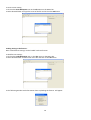
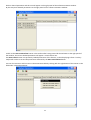
The next Icons and Colours menu buttons allow you to set an appearance of the RDM-network window.
The Logs menu allows to disable error messages which can occur during operations with fixtures if some fixtures
parameters are not available.
Check the box next to the “ignore unsupported commands” line if you do not want to display the error messages.
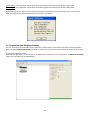
Example: You work with REDWash 3•192 (LED fixture)with ColorSpot 700E AT (discharge lamp) in the same group.
If you run the Collect Parameters option on whole group, the LED fixture cannot send items which relate to the
lamp and the error messages may apear - it depends on the Logs menu setting:
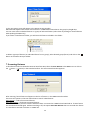
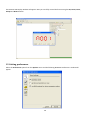
The Error
icon is
active
21