1
Setting the System Options
Accessing USB Drive and Micro SD Card
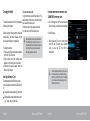
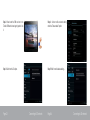
Follow the steps given below to access USB Pen drive:
Step 1:
For accessing USB Pen drive, open file browser from all apps launcher and touch USB sda1.
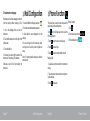
Open the system settings menu to adjust how the tablet looks and functions.
To open the Settings menu:
1.Press the Menu key.
2.Select system Settings to open the Settings menu.
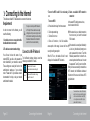
The settings are grouped by category. Select a category to open and customize the settings.
System settings
Wireless & Networks
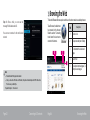
Access SD Card: To open SD Card open /sdcard/external_sdcard/.
Page 39
Optional Connections
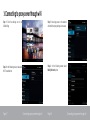
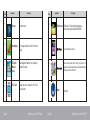
Wi-Fi
Used to turn on and off the wi-fi and options available to set the wi-fi settings
Bluetooth
Used to turn on and off the Bluetooth and options available to set the
Bluetooth settings
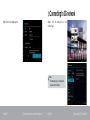
3G
Option available to configure the 3G.
Page 40
Setting the System Options