1
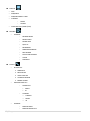
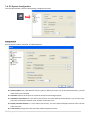
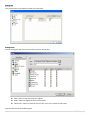
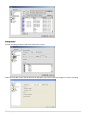
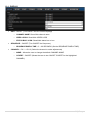
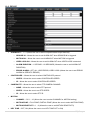
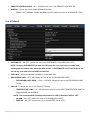
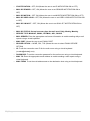
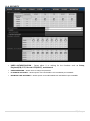
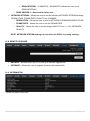
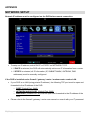
10-7. NETWORK PORT – NETWORK PORT (Allows the user to change the DVR PORT) NOTE: The DEFAULT PORT is used as a primary port to create remote connections. WEBPORT – WEB PORT (Allows the user to change the WEB PORT) NETWORK TYPE – DHCP, LAN (Allows the user to select between DHCP and LAN NETWORK TYPE) o IP – Enter IP address if NETWORK TYPE is set to LAN. o SUBNET MASK – Enter SUBNET MASK address if NETWORK TYPE is set to LAN. o GATEWAY – Enter GATEWAY address if NETWORK TYPE is set to LAN. o 1ST DNS – Enter Primary DNS server address if NETWORK TYPE is set to LAN. o 2ND DNS – Enter Secondary DNS server address if NETWORK TYPE is set to LAN. DDNS – OFF, ON (Allows the user to turn DDNS OFF OR ON) o DDNS SERVER 1 – Allows user to use the “DDNSCENTER.COM”. o DDNS SERVER 2 – Allows the user to user a specific DDNS SERVER. 88 | P a g e DDNS ID – Allows the user to enter specific DDNS ID. DDNS PASSWORD – Allows the user to enter specific DDNS PASSWORD.