1
Aberdeen LLC
AberNAS 106/110/116
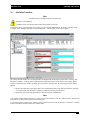
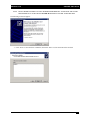
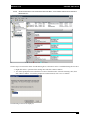
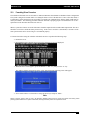
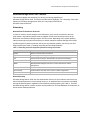
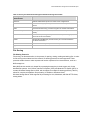
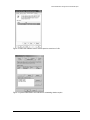
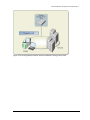
13.1.5. THE NEXT STEP IS TO RIGHT CLICK ON ANY OF THE BLUE “FAILED REDUNDANCY” VOLUMES AND
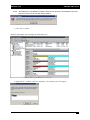
SELECT “REPAIR VOLUME”. THE FOLLOWING WINDOW WILL APPEAR:
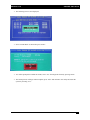
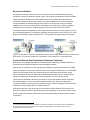
• Click “Ok” to select the new drive to join into the redundant array.
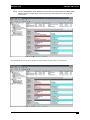
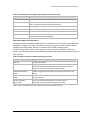
This will initialize the rebuild process which will take some time to complete. However, the server can still be
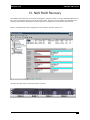
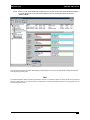
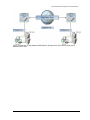
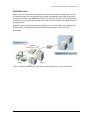
accessed and utilized while in the rebuild state. Disk manager should now appear as shown below:
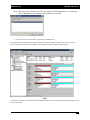
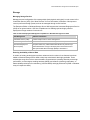
Note
It is important not to power down the machine while the rebuild is taking place or it will automatically restart from the beginning once
the server is rebooted.
- 21 -