1
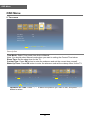
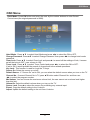
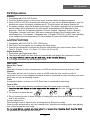
OSD Menu
OSD Menu
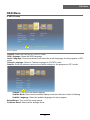
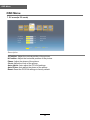
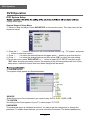
7. PC menu(In PC mode)
PC
V.Position
50
Auto Adjust
H.Position
50
Auto Phase
Phase
50
Reset
Clock
50
Move
OK Select
EXIT Exit
Description
V.Position: Adjust the vertical position of the picture.
H.Position: Adjust the horizontal position of the picture.
Phase: Adjust the phase of the picture.
Clock: Adjust the clock of the picture.
Auto Adjust: Auto adjust the PC/VGA settings.
Auto Phase: Auto adjust the phase of the picture.
Reset: Reset the PC/VGA settings to factory default.
18