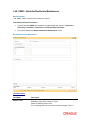
1
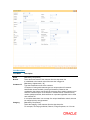
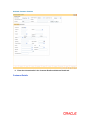
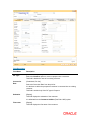
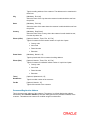
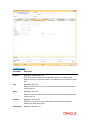
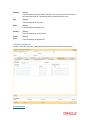
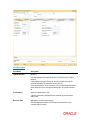
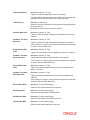
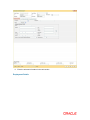
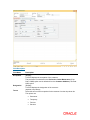
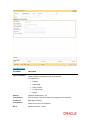
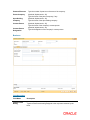
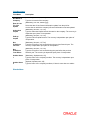
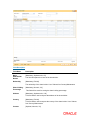
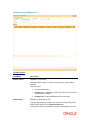
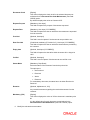
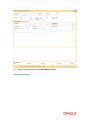
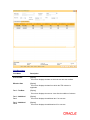
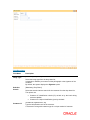
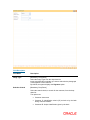
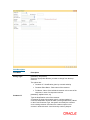
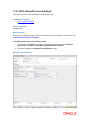
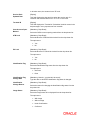
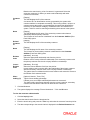
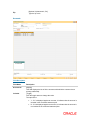
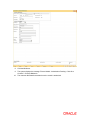
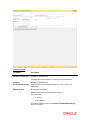
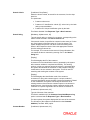
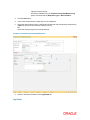
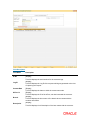
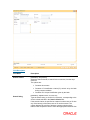
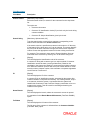
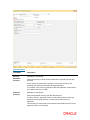
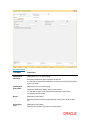
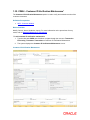
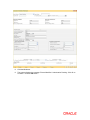
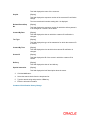
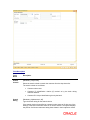
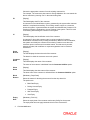
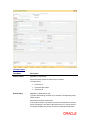
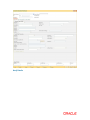
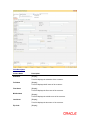
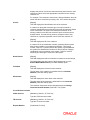
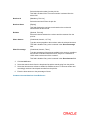
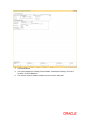
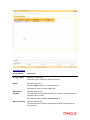
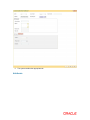
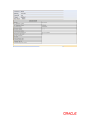
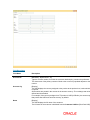
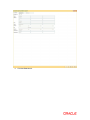
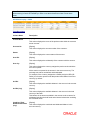
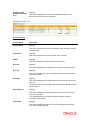
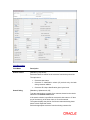
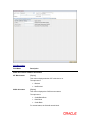
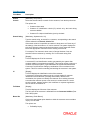
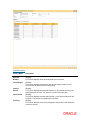
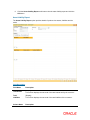
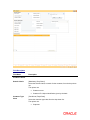
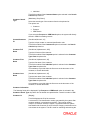
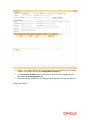
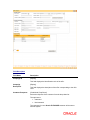
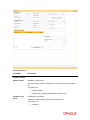
record. The ID is set up as part of the SMS functions. The officer ID is automatically selected, stored and displayed by the system for every transaction. If the record has been added as part of the setup, the officer ID will be displayed as SYSTEM. This field is enabled in the Modify mode. Criteria [Conditional, Drop-Down] Select the criteria/subject of the request from the drop-down list. The options are: Account Inquiry Account Transaction Account Maintenance Product Application Channel This field is enabled only if the Customer Complaint/Request Log option is selected. Contact Date [Mandatory, Pick List, dd/mm/yyyy] Select the date of customer request/complaint from the pick list. This date should be greater than or equal to the current date. By default, the system displays the current process date. Measurement [Conditional, Drop-Down] Select the appropriate measurement value, based on the option selected in the criteria field, from the drop-down list. This field is enabled only if the Customer Complaint/Request Log option is selected. Branch [Display] This field displays the short name of the branch where contact with the customer was made. Detail Measurement [Conditional, Drop-Down] Select the option based on the value selected in the Measurement field from the drop-down list. This field is enabled only if the Customer Complaint/Request Log option is selected. Log ID [Display] This field displays the Log Id of the request which gets generated at the time of capturing the request. Status [Conditional, Drop-Down] This field displays the status of the complaint. In the Add mode, it displays the default status value as Open. The options are: Open Process Closed This field is enabled in the Modify mode.