1
UndoIT Object History
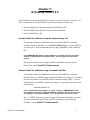
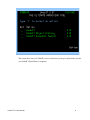
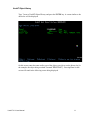
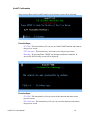
Type '1' next to UndoIT Object History and press the ENTER key. A screen similar to the
one below will be displayed.
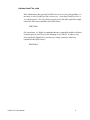
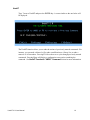
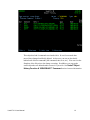
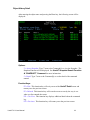
On this screen, enter the name and/or type of the object you wish to see the history for (in
the example, the object being searched is named “FILE022602”). Pressing Enter on this
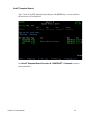
screen will result in the following screen being displayed:
UndoIT 2.0 User Manual
11