1
Chapter 7:
UndoIT Object History Function
& “WRKOBJHST” Command
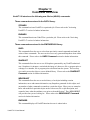
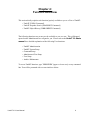
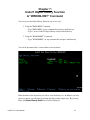
You can access the Object History Function one of two ways:
1. Using the “EMPOWER” Command:
• Type "EMPOWER" on any command line and press the Enter key
• Type '1' next to UndoIT Object History and press the Enter key
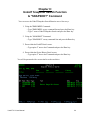
2. Using the “WRKOBJHST” Command:
• Type "WRKOBJHST" on any command line and press the Enter key
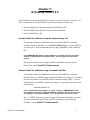
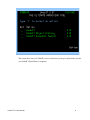
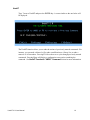
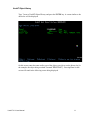
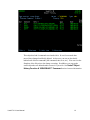
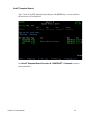
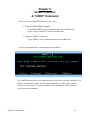
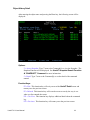
You will be presented with a screen similar to the one below:
Enter the name of the object that you wish to view the history for. In addition, you may
choose to narrow you selection by entering the library and/or object type. By pressing
Enter, the Object History Detail screen will be displayed.
UndoIT 2.0 User Manual
21