1
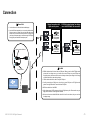
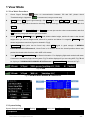
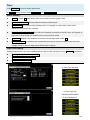
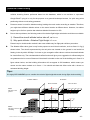
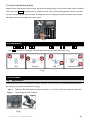
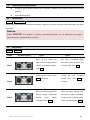
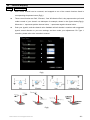
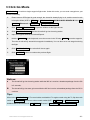
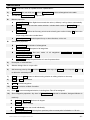
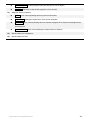
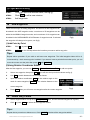
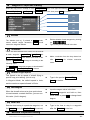
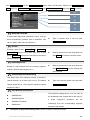
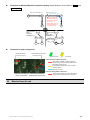
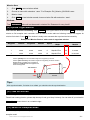
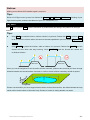
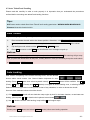
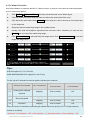
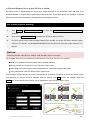
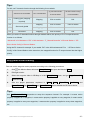
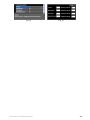
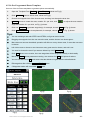
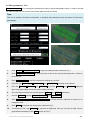
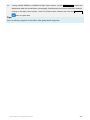
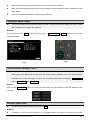
Technology Requirements At least 4 linear control channels are necessary; otherwise the joystick function will not work properly. Use USB connection. Connection JoystickChoose Joystick Refer to the user manual of the specific controller / Joystick you choose, and ensure the USB cable is properly connected. Notices: Please ENSURE the Joystick is properly connected physically, do not disconnect the joystick connection when Joystick Mode is activated. Calibration JoystickCalibration Steps Joystick (Type1) Step 1 Type1 Type2 Place all trim levers (for For Type 2 controller, might physical fine turning) in their not have these physical fine neutral, or centered position. turning levers. Click Next. Click Next. Center all the sticks. Click Center Next to continue. throttle stick. Click Next to Step 2 Step 3 stick including continue. Move all sticks through their Move the sticks through their motion 3D motion range completely several range completely times. When completed, click Finish. ©2012-2015 DJI. All Rights Reserved. all several times, including pitch. When completed, click Finish. - 21 -