1
MiiNePort E1/E2-SDK
MiiNePort IDE Development Tool
Create MiiNePort-SDK Project
Prior to firmware development, the MiiNEPort-SDK device must be connected to the unit. For developing
customized firmware, MOXA provides a powerful tool called EZStack. You can compose the desired functions
step by step. The following section will show you how to build a customized firmware. First, create a new
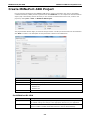
project by clicking File -> New -> MiiNePort-SDK Project.
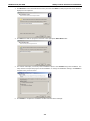
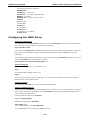
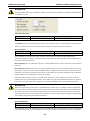
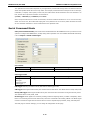
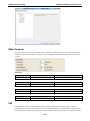
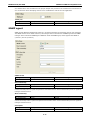
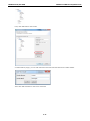
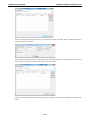
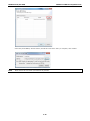
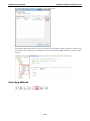
The project wizard will then begin, as shown in the figure below. Just fill your desired value into each field and
click Next to continue. The description of each parameter is shown in the table below.
Parameter
Description
Project name
The project name
Location
The location path of project
Platform
The development platform
1. MiiNePort E1
2. MiiNePort E2
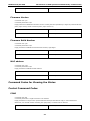
Kernel Version
SDK version
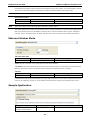
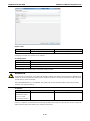
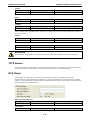
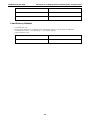
For MiiNePort E1-SDK
Parameter
Description
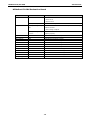
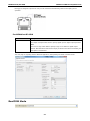
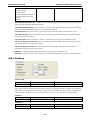
DIO
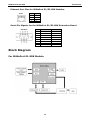
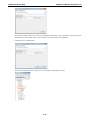
For the 3 configurable pins (Pin 6, 7, and 8), refer to Chapter 1: Pin Assignments for
Restart
The restart function is enabled by default and is not subject to be disabled. You can
their default settings and change to the appropriate function for your application.
choose to enable or disable the Restart function in the Pin and IO Settings.
5-6