1
we would have to set the control values and adjust them accordingly to
obtain the desired value at the output.
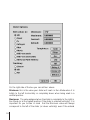
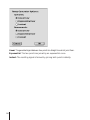
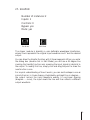
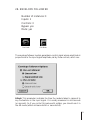
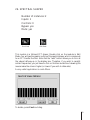
If you double-click on the mixer in Edit mode, you will be able to edit the
control values (amplitude values) from the Mixer Options dialog box. You
can choose between editing them in dB, float, %, dec, hex, hertz and
miliseconds.
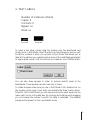
In order to optimize DSP power, we advise you to start with the first channel
and then the channel immediately after and so on without leaving "gaps"
between them.
87