1
108
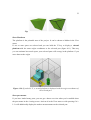
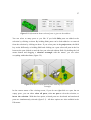
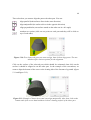
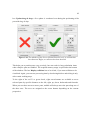
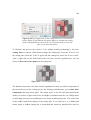
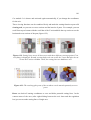
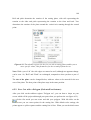
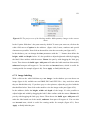
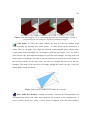
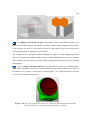
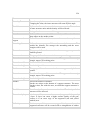
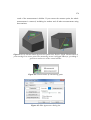
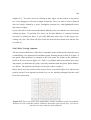
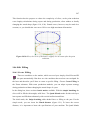
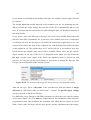
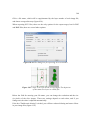
Roll and pitch determine the rotation of the cutting plane, with roll representing the
rotation to the sides and pitch representing the rotation to the front and back. Yaw
determines the rotation of the plane around the vertical axis running through the central
point.
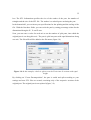
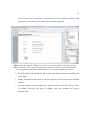
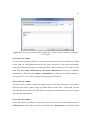
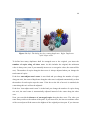
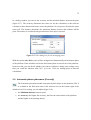
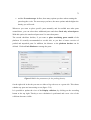
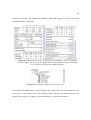
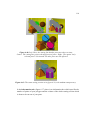
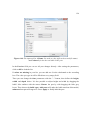
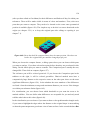
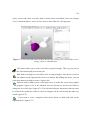
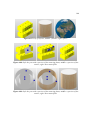
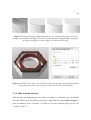
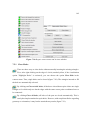
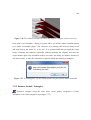
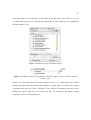
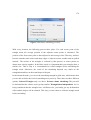
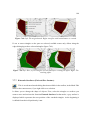
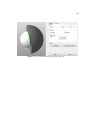
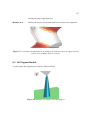
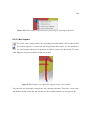
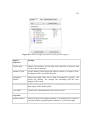
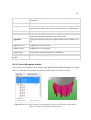
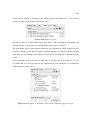
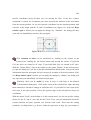
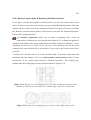
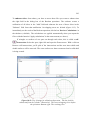
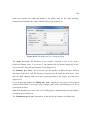
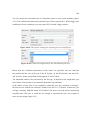
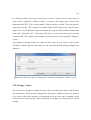
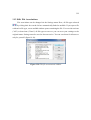
Figure 6.31: The tabsheet register for the free cut with a cutting plane enables you to
enter specific values, edit parameters for the cut and perform the cut.
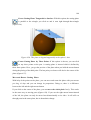
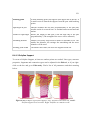
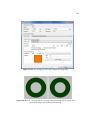
Note: With a yaw of 90◦, the side edges are rotated as well, although no apparent change
can be seen. So, "Roll" and "Pitch" are exchanged, compared to when you have a yaw of
0◦ .
The size of the plane can be changed below, with two values to be entered for the two
axes of the plane. The base point of the plane stays in the same position.
6.5.2 Free Cut with a Polygon (Private/Pro feature)
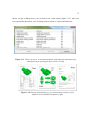
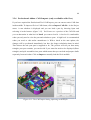
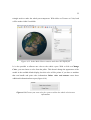
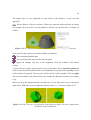
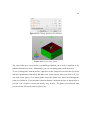
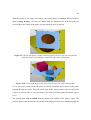
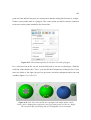
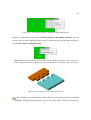
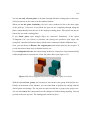
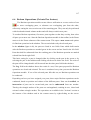
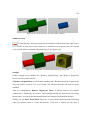
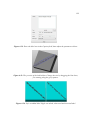
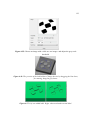
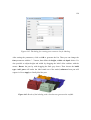
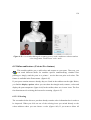
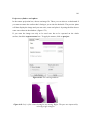
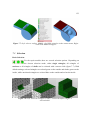
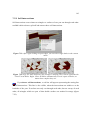
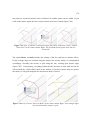
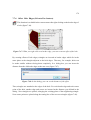
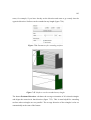
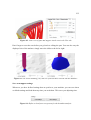
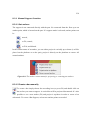
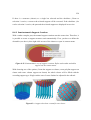
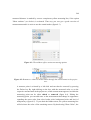
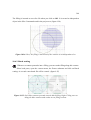
After you click on the tabsheet register "Polygon cut", you can draw a shape on your
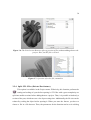
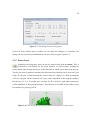
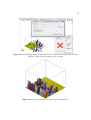
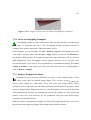
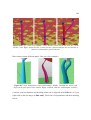
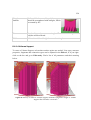
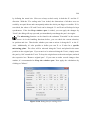
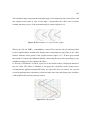
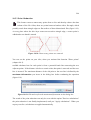
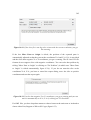
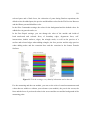
screen which will be projected through your parts when you perform the cut (figure 6.32).
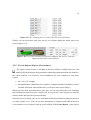
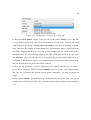
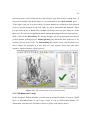
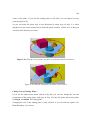
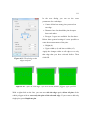
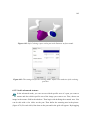
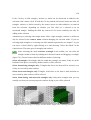
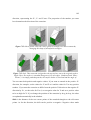
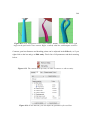
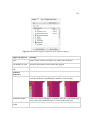
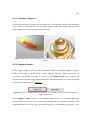
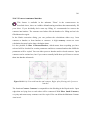
In the first mode you can create and edit your polygon. With left-clicks on the
screen you set corner points for the cutting line. With default color settings, the
points appear as yellow squares and the cutting line is blue. When you set the third corner