1
Creating Clips
Create clips in two ways:
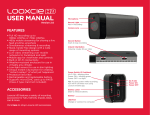
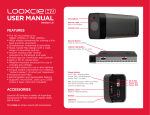
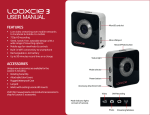
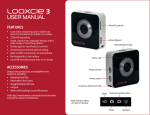
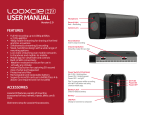
•• Press and release the Instant Clip button on Looxcie to create 30 second Instant Clips.
•• Tap Video on the app menu to create custom length New Clips.
Creating Instant Clips from your Looxcie
To create an Instant Clip of the last 30 seconds of captured video:
•• Press and release the Instant Clip button. (You will hear multiple tones.)
Note: The “Clip created” message will appear on the app screen.
Instant Clip button
Press and release to create a clip
of the last 30 seconds of video
Tip: Press and hold the Instant Clip button for approximately 2 seconds to create and send
an Instant Clip to your instant share favorite. Go to page 23 to learn more.
Creating New Clips from your mobile device
To create a custom length New Clip of up to 30 minutes from the captured video:
•• Tap Video on the LooxcieMoments app menu.
•• Tap New Clip.
Video screen
LooxcieMoments App
21