1
135
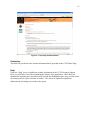
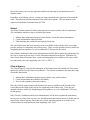
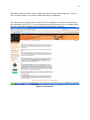
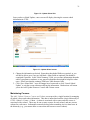
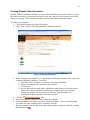
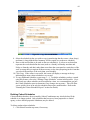
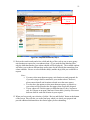
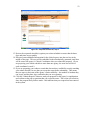
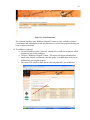
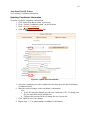
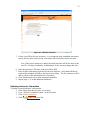
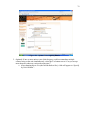
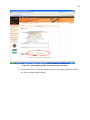
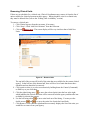
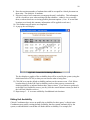
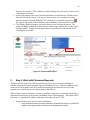
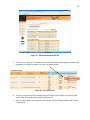
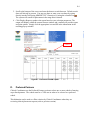
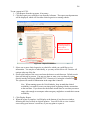
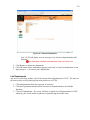
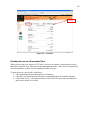
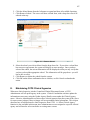
4. Select the unit that you wish to modify by clicking on the unit name. The screen will
refresh to show the unit’s name in an editable field, along with a drop-down list to
specify the department:
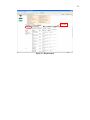
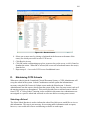
Figure 104 – Modify Unit
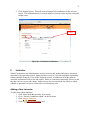
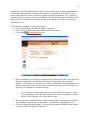
5. Modify the name of the unit as desired.
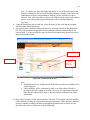
6. You may also change which department the unit is associated to, if necessary. Simply
select a different department from the drop-down list.
7. Click Submit to save your changes. The changes will be made throughout CCPS, where
appropriate, and the list to the left will be refreshed.
8. Repeat steps 4 – 7 to modify additional clinical units.
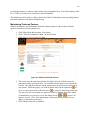
Removing a Clinical Unit
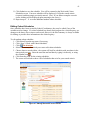
A clinical unit may be removed from CCPS as long as there are no clinical agencies that have
selected it. The system will not allow you to delete the unit if there are agencies using the unit.
To remove a unit:
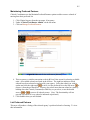
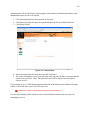
1. Click Administration from the top menu, if necessary.
2. Click the Unit button from the left menu to expand and show all available functions.
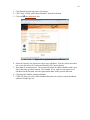
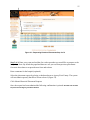
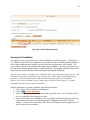
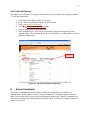
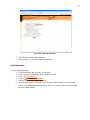
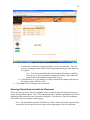
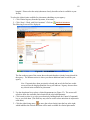
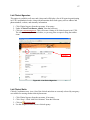
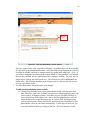
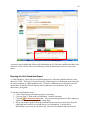
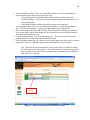
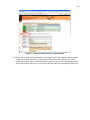
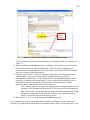
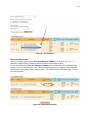
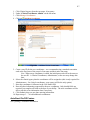
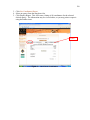
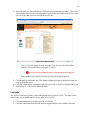
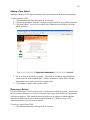
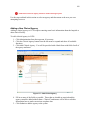
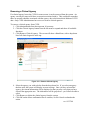
3. Click Remove Unit. The screen will show a list of the current clinical units by
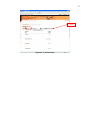
department, each of which is a hyperlink, just like the Modify Department screen (see
Figure 87).