1
Recording
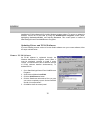
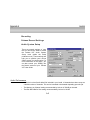
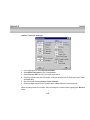
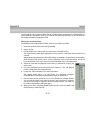
Cubase Record Settings
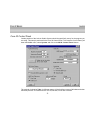
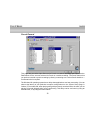
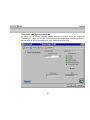
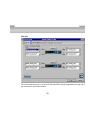
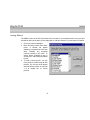
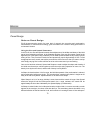
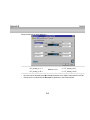
Audio System Setup
There are several settings of note
that you should be aware of within
the Cubase VST Audio System
Setup menu (within the Audio
pulldown menu). These settings will
help you to optimize your Lexicon
Studio system for certain tasks. For
more information on this page, you
can also consult your ‘Getting into
the Details’ section of your Cubase
VST User Guide.
Audio Performance
•
•
•
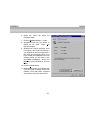
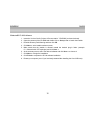
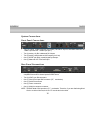
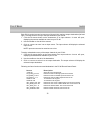
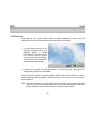
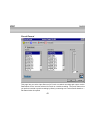
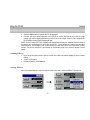
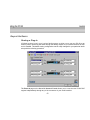
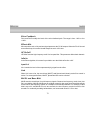
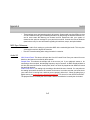
Within the Lexicon Studio def.all file included in your install, 16 channels have been set up as
a default number of channels. This can be increased or decreased depending upon the job.
The Memory per Channel setting recommended by Lexicon is 768 kB per channel.
The Disk Block Buffer Size setting recommended by Lexicon is 128 kB
A-2