1
C utLogic 1D, © TMachines, s.r.o.
How to Export Data
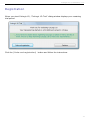
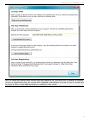
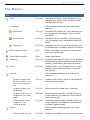
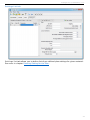
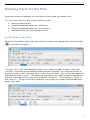
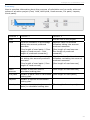
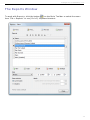
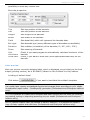
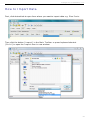
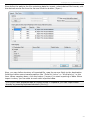
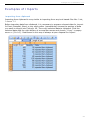
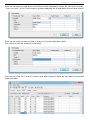
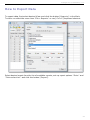
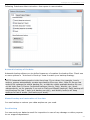
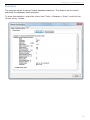
To export data, first select desired View and click the button [Reports] in the Main
Toolbar or select the menu item "File > Reports" or use [Ctrl+P] keyboard shortcut.
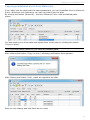
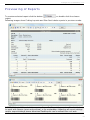
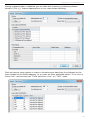
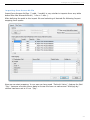
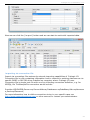
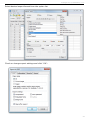
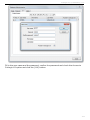
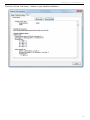
Select desired report from the list of available reports, set-up report options "Date" and
"Data selection" and click the button [Export].
94