1
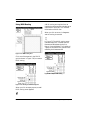
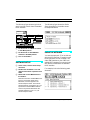
CHAPTER 10: Stripe SMPTE Window
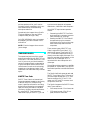
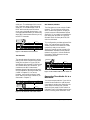
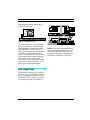
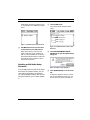
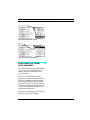
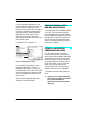
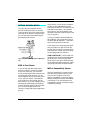
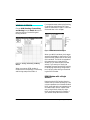
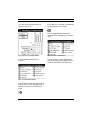
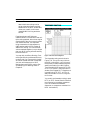
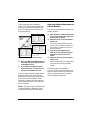
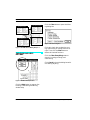
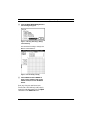
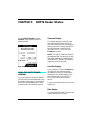
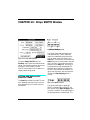
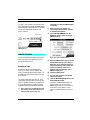
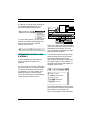
Figure 10.2: SMPTE Start Field
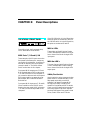
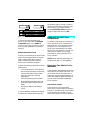
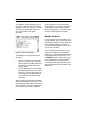
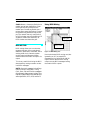
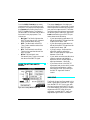
Figure 10.1: Stripe SMPTE Window
Choosing Stripe SMPTE from the
Studio 4 menu opens the window shown
above. The following sections discuss the
mechanics of this window. See the
SMPTE tutorial later in this chapter for a
step-by-step striping guide.
SETTING AND USING START
AND STOP TIMES
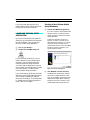
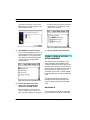
The Start field contains the SMPTE start
time. Reading from left to right, the numbers represent hours, minutes, seconds,
and frames.
Studio 4 Manual
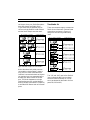
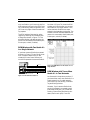
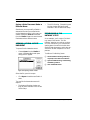
The Studio 4 can stop generating time
code automatically. This is especially
useful for unattended striping sessions.
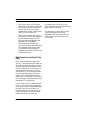
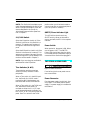
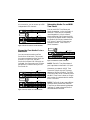
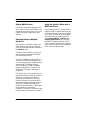
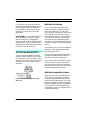
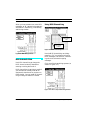
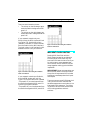
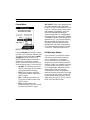
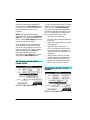
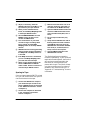
You can enter a stop time value in the
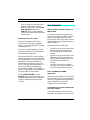
Stop field. The check box to the left of the
Stop field turns on the automatic stop feature. If the box is checked and a value is
entered into the Stop field, the Studio 4
will automatically stop sending SMPTE
timecode when that value is reached. If
the box is not checked, the Studio 4 will
ignore the Stop value, and continue striping until the Stop Striping button is
clicked.
Figure 10.3: SMPTE Stop Field
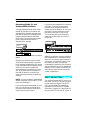
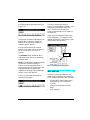
The Studio 4 will begin to generate
SMPTE timecode from its SMPTE Out
jack as soon as the Start Striping button
is clicked. The SMPTE value will begin at
the time specified in the Start field. The
61