1
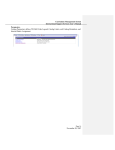
4-2 Verify the fingerprint/password and access the Fingerprint Flash.
4-3 For next time to enter the Fingerprint Flash FP51 , users only need to plug and play by
verifying the fingerprint or password.
Step 5 Lock USB Flash Disk:
5-1 Right click the “palm” icon and select “Lock USB flash disk”. The Fingerprint Flash FP51
will lock automatically.
3