1
12.1.4 Viewing Alarm Information
Steps:
1.
Enter the System Information interface.
Menu >Maintenance>System Info
2.
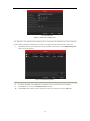
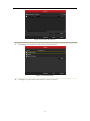
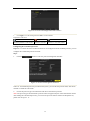
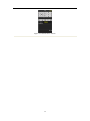
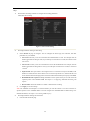
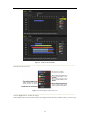
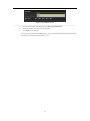
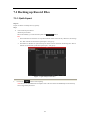
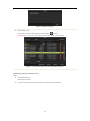
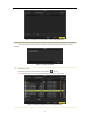
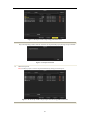
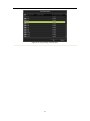
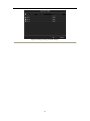
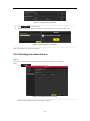
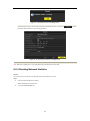
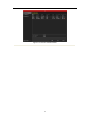
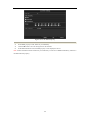
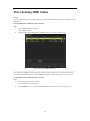
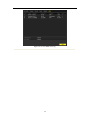
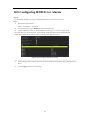
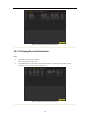
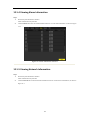
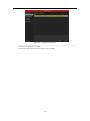
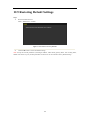
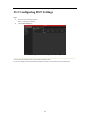
Click the Alarm tab to enter the Alarm Information menu to view the alarm information, as shown in Figure
12.4.
Figure 12.4 Alarm Information Interface
12.1.5 Viewing Network Information
Steps:
1.
Enter the System Information interface.
Menu >Maintenance>System Info
2.
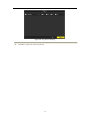
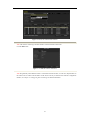
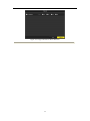
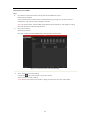
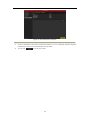
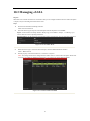
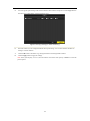
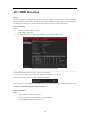
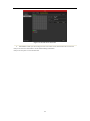
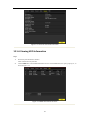
Click the Network tab to enter the Network Information menu to view the network information, as shown in
Figure 12.5.
186