1
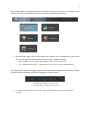
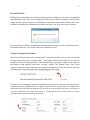
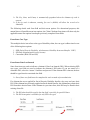
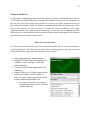
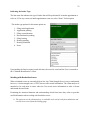
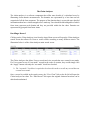
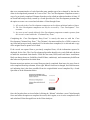
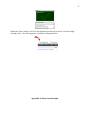
11 Completing an Entry Form The most commonly used feature of the software is completing an entry form. The first step to completing an entry form is entering the “Claimant Identifiers” to ensure a record had not previously been created. This is important because if a form had been previously completed, that form can be recalled, edited, and resubmitted. Duplicate records should be avoided because duplicate records can make reports inaccurate and matching records with claim decisions difficult. Identifying whether or not a record has been created consists of entering a claimant’s last name, last four digits of the claimant’s social security number, and their date of birth then clicking on “Search.” In the event that a claimant does not want to provide the last four numbers of their social security number, it is recommended to enter the two digit day and two digit month for this field so the record can be easily recalled later if necessary. Upon entering a claimant’s information as in the illustration above, if no previously entered record matches when the “Search” button is selected, nothing will be presented in the box below, and a “New Form” should be opened. If the claimant information entered matches a previously completed record, the record information is displayed and the User should verify the accuracy of the information, then click the “select” link to edit the existing record with updated information.