1
ADVISE PERFORMANCE GRAPH
ADVISE PERFORMANCE GRAPH
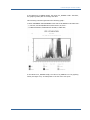
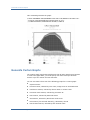
Use the ADVISE PERFORMANCE GRAPH command to chronologically graph any
group of metrics stored in the Performance Manager database.
Format
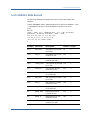
ADVISE PERFORMANCE GRAPH
Description
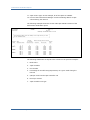
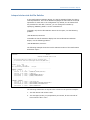
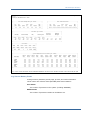
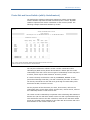
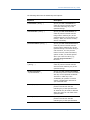
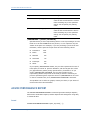
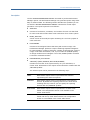
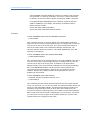
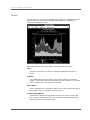
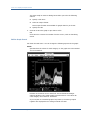
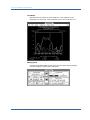
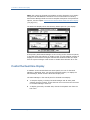
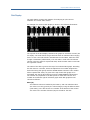
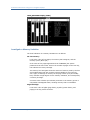
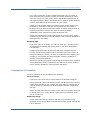
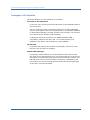
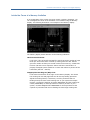
The Performance Manager can produce a multitude of predefined graphs. You
can also define your own custom graphs if the predefined graphs do not meet
your specific needs. You can generate multiple graphs with a single command.
The Performance Manager produces at least one graph, and can produce many
graphs depending on how you specify the /TYPE and /NODE qualifiers.
When producing many graphs, you are likely to benefit by using the command
mode interface invoked by the ADVISE PERFORMANCE command. Command
mode allows many graphs to be built in memory and selectively viewed or
written to a file. You can also direct the output to either the SYS$OUTPUT
device or an output device as specified by the /OUTPUT qualifier.
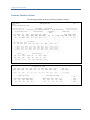
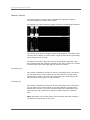
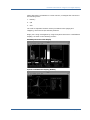
The Performance Manager generates the graphs using ReGIS format if the
SYS$OUTPUT device has the ReGIS capability, or if you specify
/FORMAT=ReGIS. Otherwise, the Performance Manager generates a less
resolute graph using standard ASCII characters.
Qualifiers
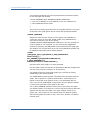
/AVERAGE={DAILY | WEEKLY | MONTHLY | QUARTERLY}
Causes graphs to depict a summarization of a specified time period. The
selected data is averaged into the time period selected. See Chapter 4 for
more information.
If you also use the /SCHEDULE or /DATES qualifiers, the DAILY and
WEEKLY graphs are trimmed to show only the selected hours.
If history data with the periodicity attribute is selected, the /AVERAGE
value is automatically set to that periodicity value. This is true regardless
of whether the /AVERAGE qualifier is used.
Chapter 6: Performance Manager Commands 191