1
REV 2
CT-8000 USER’S MANUAL
3.7.3. Printing a Breaker Test Plan
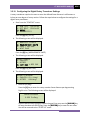
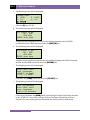
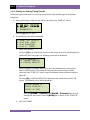
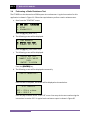
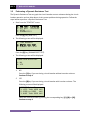
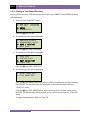
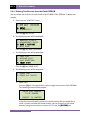
Follow the steps below to print a breaker test plan stored in the CT-8000’s Flash EEPROM:
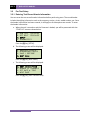
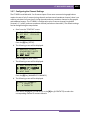
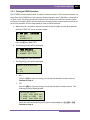
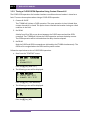
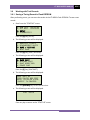
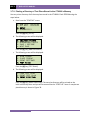
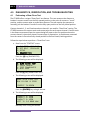
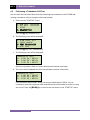
a. Start from the “START-UP” menu:
1. RUN TEST 03/10/10
2. GET RSLT 09:04:05
3. SETUP
4. DIAGNOSTICS
Press the [3] key (SETUP).
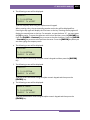
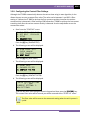
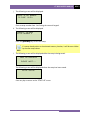
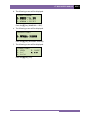
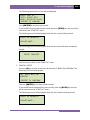
b. The following screen will be displayed:
1. ANALYSIS POINTS
2. MEASUREMENT UNITS
3. SAVE / RESTORE
4. NEXT PAGE
Press the [1] key (ANALYSIS POINTS).
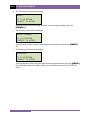
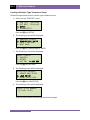
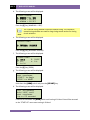
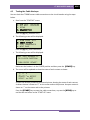
c. The following screen will be displayed:
1. OPEN TIMING
2. CLOSE TIMING
3. PRINT SETTINGS
4. TEST PLANS
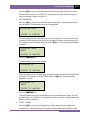
Press the [4] key (TEST PLANS).
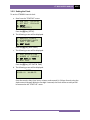
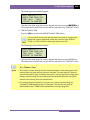
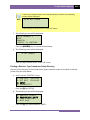
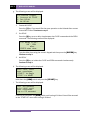
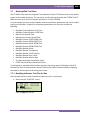
d. The following screen will be displayed:
1. LOAD TEST PLAN
2. PRINT TEST PLAN
3. PRINT DIRECTORY
Press the [2] key (PRINT TEST PLAN).
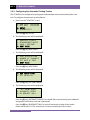
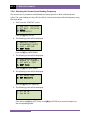
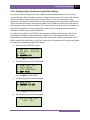
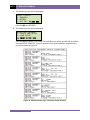
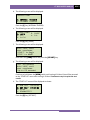
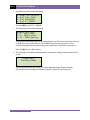
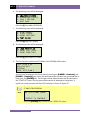
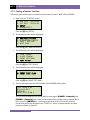
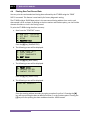
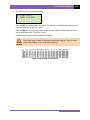
e. The first test plan stored in the CT-8000’s Flash EEPROM will be listed:
TEST PLAN # 01
BZO-145-20-7
SIEMENS
DEMO TEST PLAN 1
You can scroll through the list of test plans by pressing the [PAPER ∧ Contrast] and
[PAPER ∨ Contrast] keys. Once you have located the test plan that you would like to
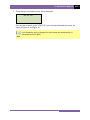
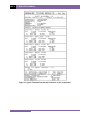
print, press the [ENTER] key. The test plan will be printed on the built-in thermal
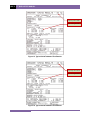
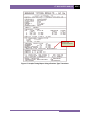
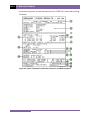
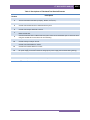
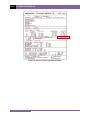
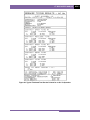
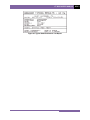
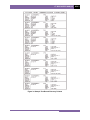
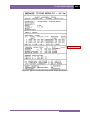
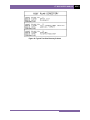
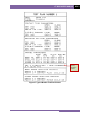
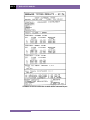
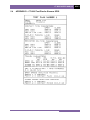
printer and you will be returned to the “START-UP” menu. A sample breaker test plan
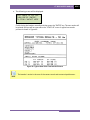
printout is shown in Figure 37.
92