1
CHAPTER 12
Creating a Weather Scenario With Flight Plan-P3D (continued)
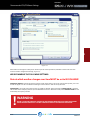
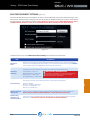
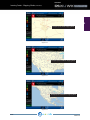
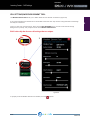
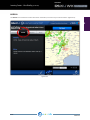
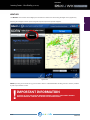
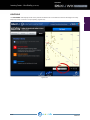
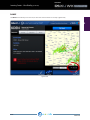
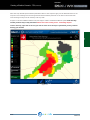
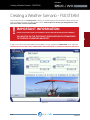
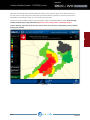
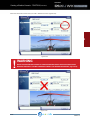
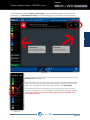
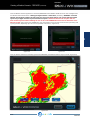
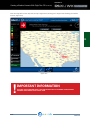
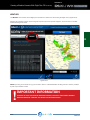
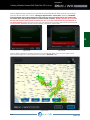
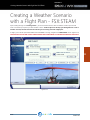
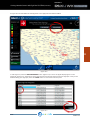
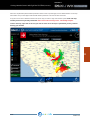
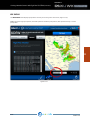
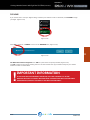
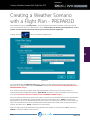
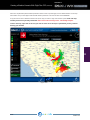
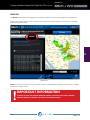
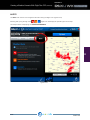
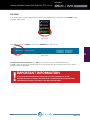
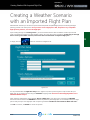
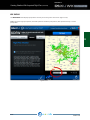
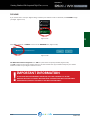
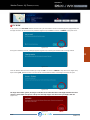
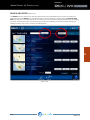
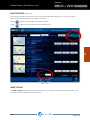
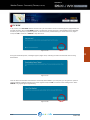
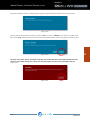
If you would like to take advantage of the flight BRIEFING feature, click VIEW BRIEFING (Figure 12.9) and you will be
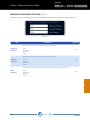
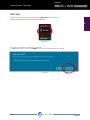
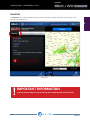
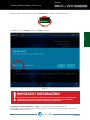
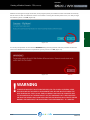
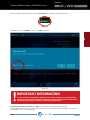
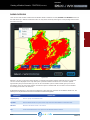
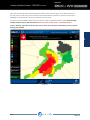
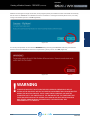
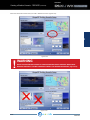
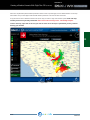
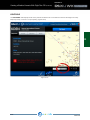
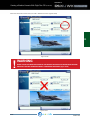
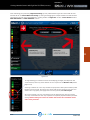
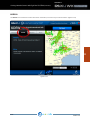
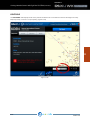
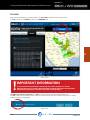
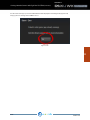
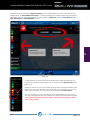
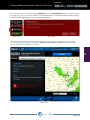
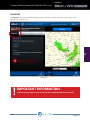
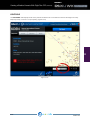
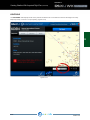
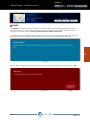
presented with an alert. (Figure 12.10) Make sure your weather scenario is complete and final, as there is no way
to return to the mapping system once you enter the briefing area!
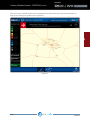
Figure 12.9
Figure 12.10
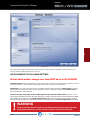
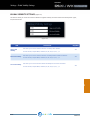
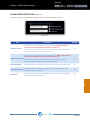
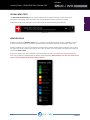
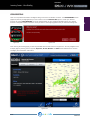
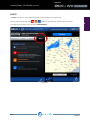
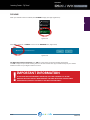
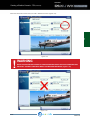
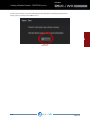
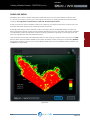
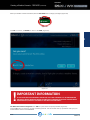
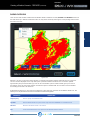
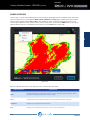
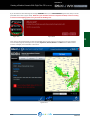
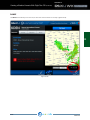
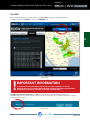
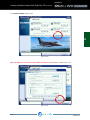
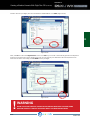
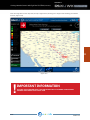
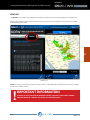
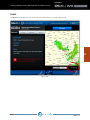
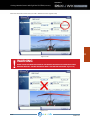
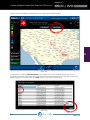
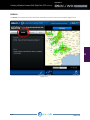
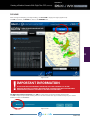
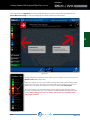
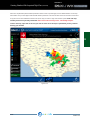
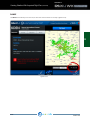
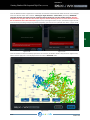
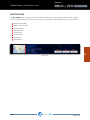
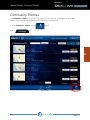
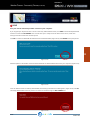
Once entering the briefing page, you will be presented with a similar screen as in Figure 12.11. You may navigate
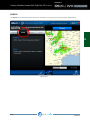
to the multiple pages by utilizing the four (4) tabs; Departure, Arrival, Weather and Alerts. Each tabbed section
contains vital flight plan and weather information.
12
Figure 12.11
REX4 WEATHER ARCHITECT USER GUIDE
PAGE 136